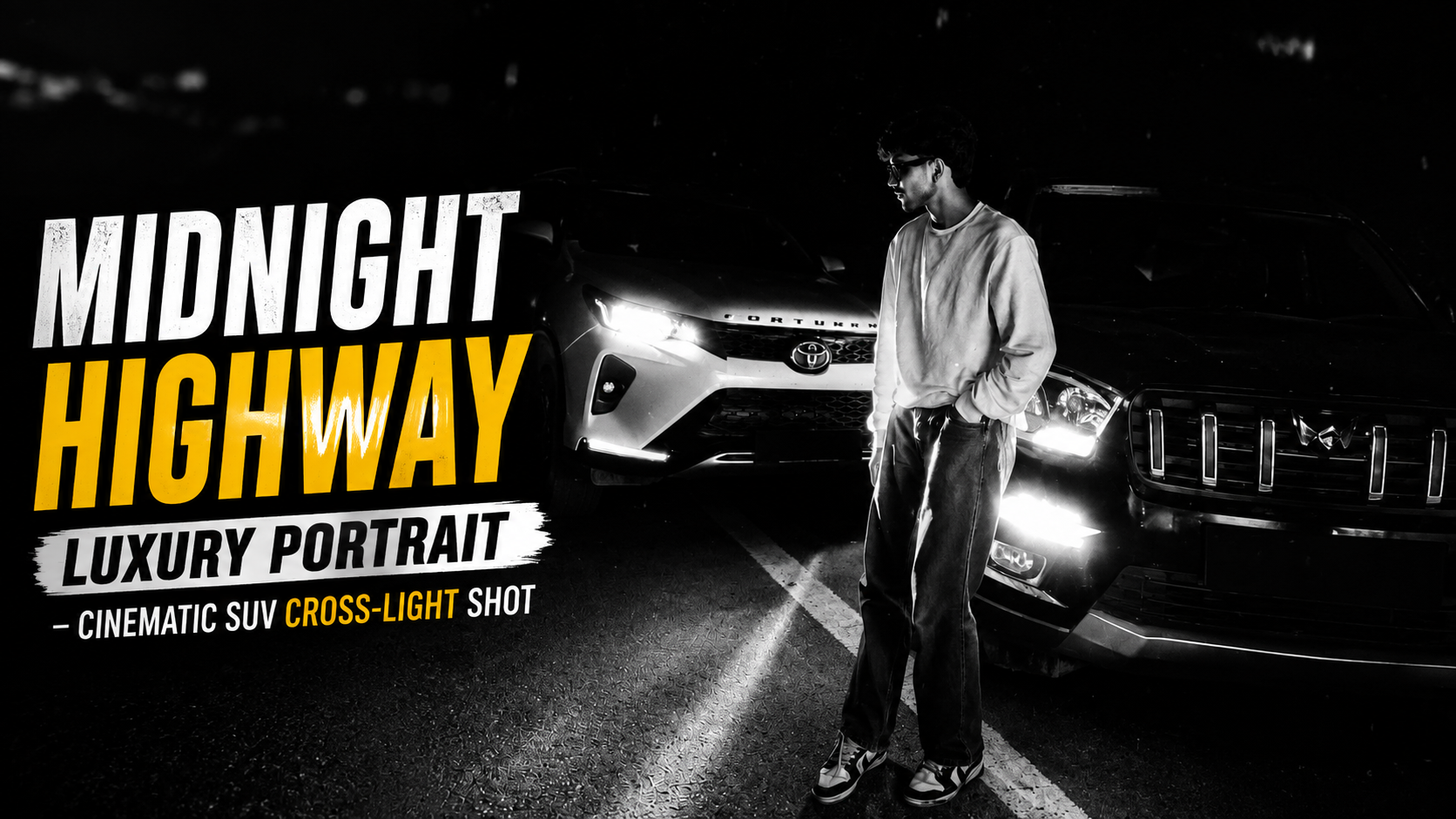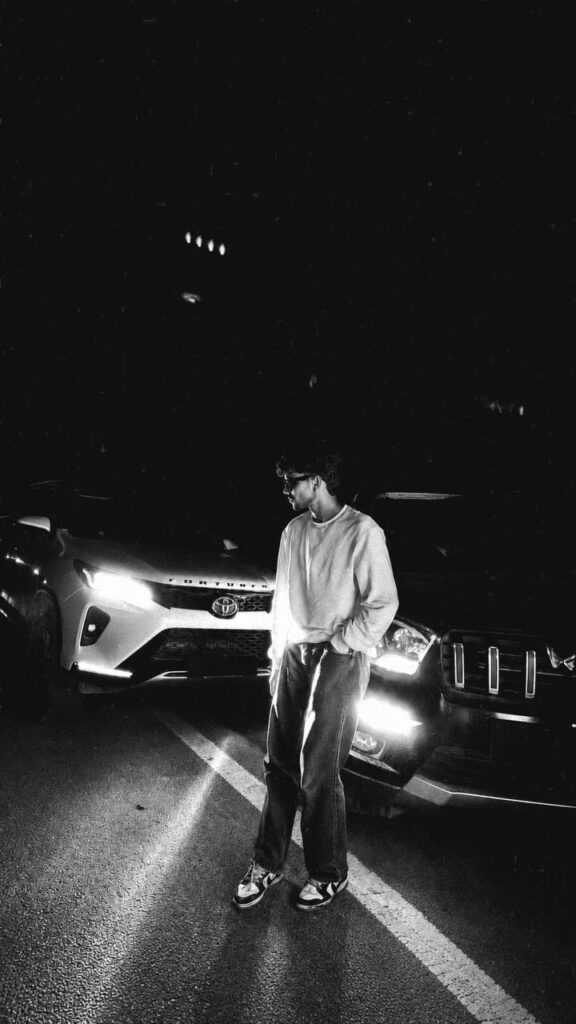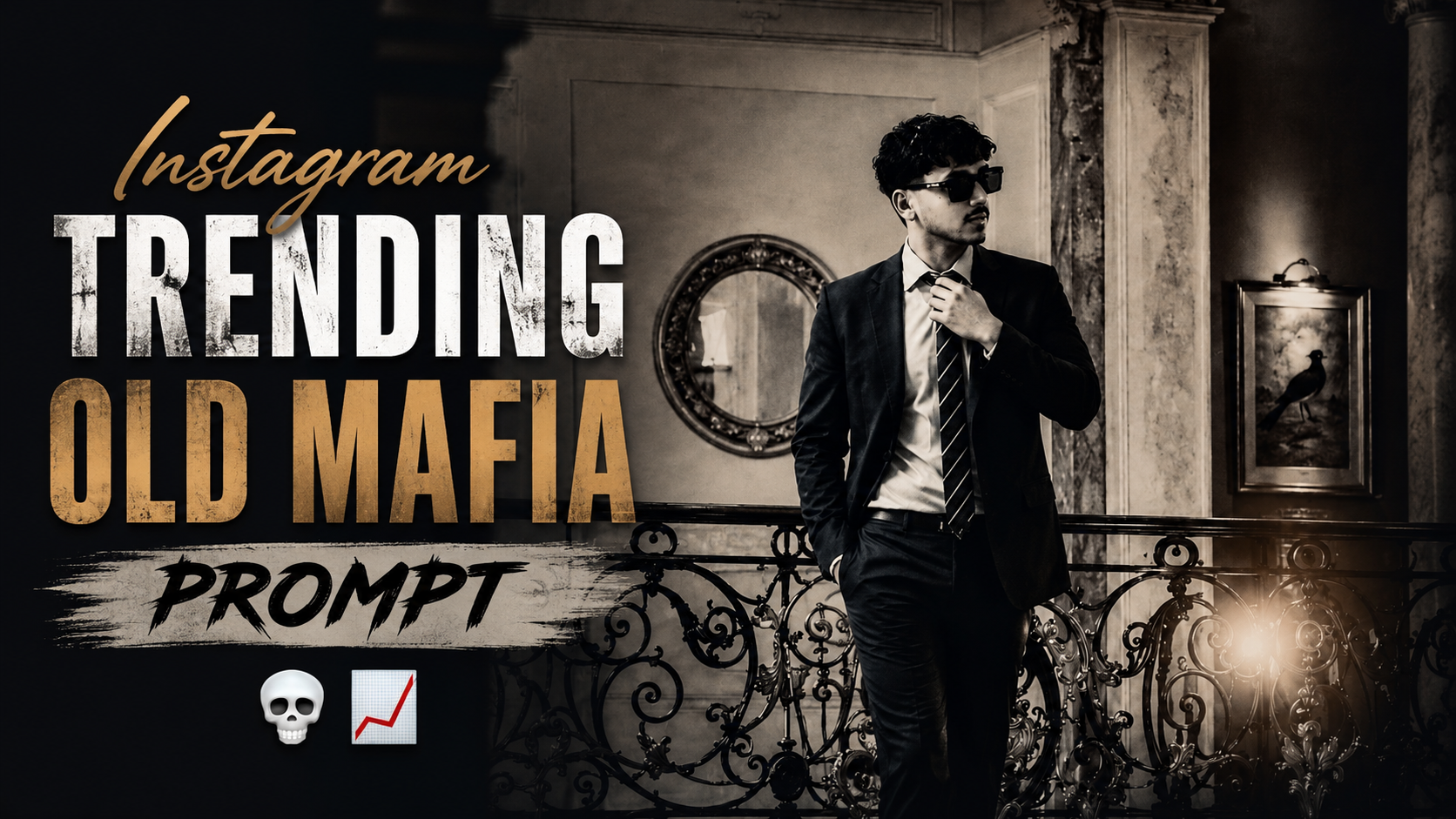

Style the image as a luxury fashion campaign

HOW TO USE THIS PROMPT STEP-BY-STEP GUIDE

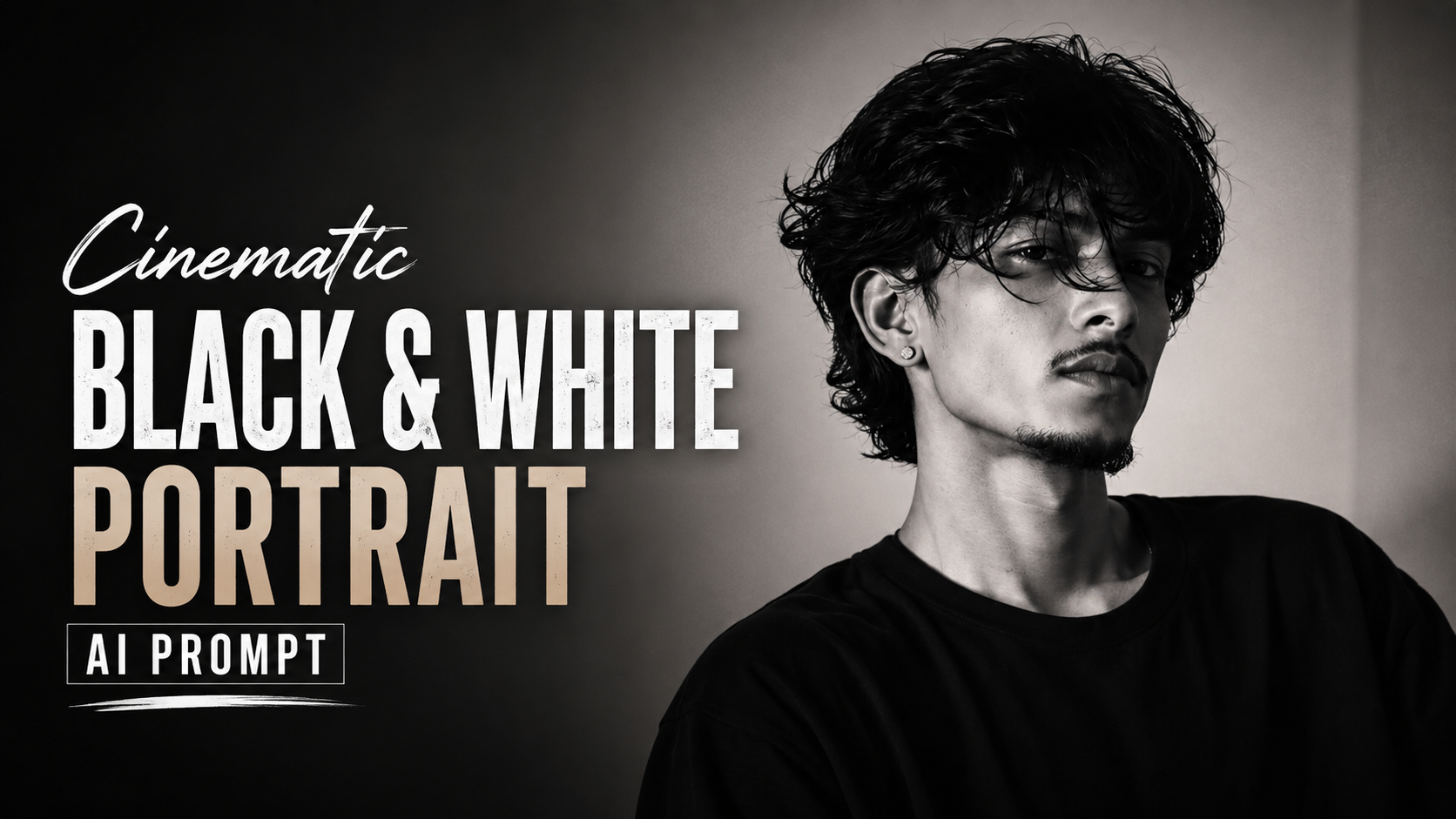
1. UNDERSTAND THE PROMPTThe prompt describes a high-fashion side-profile silhouette portrait.Key elements: side profile, dramatic red background, strong shadows, rim lighting, minimal visibility, luxury editorial style.

2. CHOOSE THE RIGHT AI TOOLUse high-quality image generation tools like Midjourney, DALL-E 3, Leonardo Al, or Stable Diffusion.These tools handle lighting, depth, and cinematic effects well.

3. COPY & PASTE THE PROMPTPaste the full prompt exactly as it is to maintain all details.Do not remove any part, as each line contributes to the final look.

4. ADJUST SETTINGS (IF NEEDED)Aspect Ratio: 2:3 or 3:4 (vertical portrait works best).Style/Mode: Choose “Photorealistic” or “Cinematic” for best results.Quality: Use high-resolution settings for sharp details

.5. GENERATE & REVIEW RESULTSGenerate the image and review it.Check if the silhouette, lighting, and background match the prompt.If needed, regenerate or tweak slightly (e.g., more dramatic lighting).

6. FINAL TOUCH (OPTIONAL)If using for commercial or social media, you can enhance the image in tools like Lightroom or Photoshop.Adjust contrast, shadows, or color grading for a more premium look

7. BEST USE CASESFashion campaignsSocial media editorialsAlbum coversPosters and branding visualsHigh-end advertisements

✦ AI PROMPT


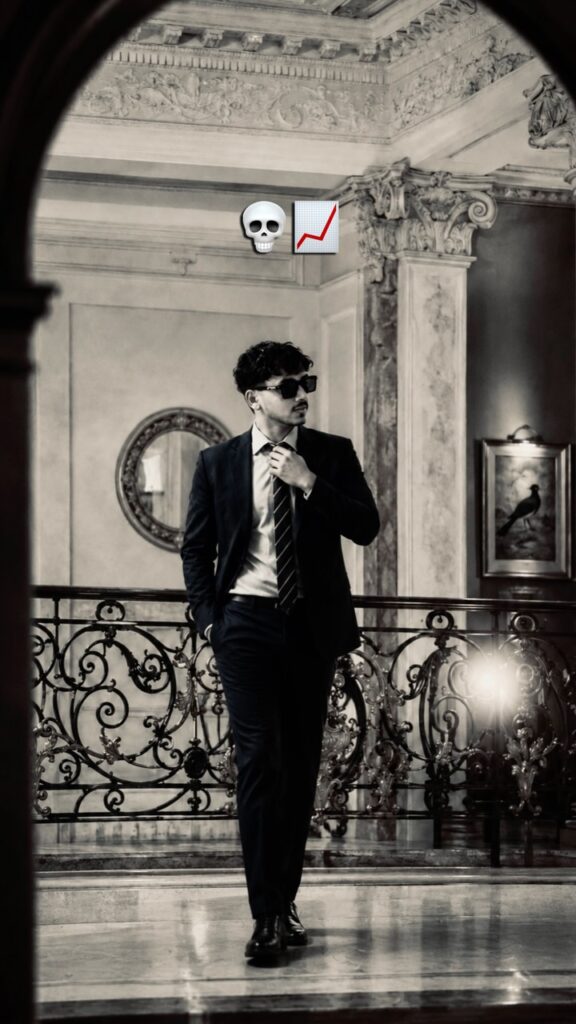
Create an ultra-realistic, high-fashion editorial portrait of a young man in a dramatic side-profile silhouette. The subject stands with his head slightly bowed, creating a contemplative and mysterious mood. He has medium-length wavy black hair with loose strands falling over his forehead, a well-groomed beard, and wears a fitted black sleeveless tank top. His face and body remain mostly concealed in deep shadows, revealing only subtle facial contours and the clean outline of his profile.

The background is a seamless, vibrant crimson-red studio backdrop illuminated with a smooth gradient, transitioning from bright red behind the subject to darker red around the edges. Use a single soft backlight combined with minimal rim lighting to define the hair, nose, jawline, beard, neck, and shoulders while preserving a near-black silhouette. Maintain high contrast with rich blacks and intense reds.

Style the image as a luxury fashion campaign with cinematic color grading, dramatic lighting, soft falloff, and minimal


Prompt:
      

Golden Hour Portrait Enhancement AI Prompt

How to Use the Golden Hour Cinematic Photo Enhancement AI Prompt

1. Upload Your Original Photo

Sabse pehle apni original portrait photo kisi AI image editing tool mein upload karein. Best result ke liye high-quality aur clear image use karein.

2. Copy the Complete Prompt

Is Golden Hour Cinematic Photo Enhancement AI Prompt ko poora copy karein. Prompt ka har sentence important hai, isliye ise edit ya remove na karein.

3. Paste the Prompt

AI editor ke Prompt box mein copied prompt paste kar dijiye. Yeh prompt image ko enhance karega, na ki subject ki identity ko change karega.

4. Keep Identity Preserved

Prompt mein facial identity, hairstyle, skin tone, outfit, pose, accessories aur background ko exactly same rakhne ki instruction di gayi hai. Isliye final image original person jaisi hi dikhegi.

5. Generate the Enhanced Image

Generate ya Create button par click karein. AI image mein soft golden-hour sunlight, warm backlighting, cinematic lens flare, glowing bokeh aur realistic HDR color grading automatically apply karega.

6. Check the Final Result

Image generate hone ke baad details ko dhyan se dekhein. Face natural hona chahiye aur lighting realistic lagni chahiye. Agar zarurat ho to same prompt ke saath dobara generate karke aur bhi better result le sakte hain.

7. Download and Use

Final image ko download karke Instagram, Facebook, YouTube thumbnail, portfolio, website ya kisi bhi social media platform par use kar sakte hain. Is prompt ka main purpose original photo ko premium DSLR golden-hour portrait jaisa professional look dena hai, bina subject ki identity ya background ko badle.

✦ AI PROMPT


Enhance this exact uploaded photo while preserving the person's facial identity, hairstyle, skin tone, outfit, pose, accessories, and background exactly as in the original. Add soft golden-hour sunlight gently falling on the face from the upper-right side with natural warm highlights and realistic skin tones. Create beautiful warm backlighting behind the subject with subtle sun rays passing through the tree leaves, soft lens flare, glowing bokeh, and cinematic volumetric light. Increase overall warmth, contrast, clarity, and dynamic range while keeping the edit natural and ultra-realistic. Preserve all original details without changing the face or body. Professional DSLR color grading, HDR, realistic shadows, premium outdoor portrait, golden hour, 8K ultra-detailed, photorealistic.


Prompt:
      

Dreamy 2000s Camcorder Portrait AI Photo Prompt | Nostalgic Digicam Aesthetic

How to Use the Dreamy 2000s Camcorder Portrait AI Prompt

1. Copy the Complete PromptStart by copying the entire prompt exactly as provided. Avoid removing or changing any lines, as every detail helps the AI create a more accurate and cinematic result.2

. Open an AI Image GeneratorLaunch your preferred AI image generation tool, such as ChatGPT Images, Gemini, Flux, Midjourney, or any other platform that supports text-to-image generation.

3. Upload Your Photo (If Required)If you want the generated image to look like you, upload a clear, high-quality portrait before using the prompt. This helps the AI preserve your facial features and create a more realistic result.

4. Paste the PromptPaste the complete prompt into the text input box. The prompt already includes detailed instructions for hairstyle, facial features, skin texture, lighting, camera effects, and the nostalgic camcorder aesthetic, so no extra edits are usually needed

.5. Select the Aspect RatioChoose the aspect ratio based on your needs. Use 9:16 for Instagram Reels, YouTube Shorts, and TikTok, 16:9 for YouTube thumbnails, or 1:1 for standard social media posts

.6. Generate the ImageClick the Generate button and wait a few moments. The AI will create a dreamy portrait with an authentic early-2000s camcorder and digital camera aesthetic

.7. Improve the ResultsIf the first image isn’t exactly what you want, generate it again using the same prompt. AI models often produce slightly different results each time, so trying 2–4 generations can help you get the best output.

8. Download and ShareOnce you’re satisfied with the final image, download it and use it for Instagram, YouTube, Facebook, or any other social media platform to showcase your nostalgic cinematic portrait.

✦ AI PROMPT


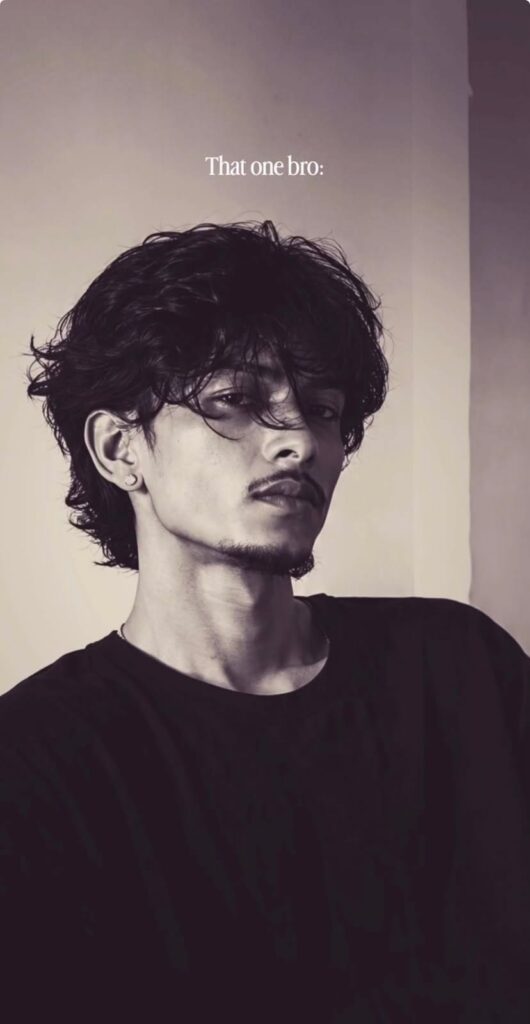
A young man rests his face softly against his sweater-covered arms while staring directly into the camera in a dim, warm indoor setting. Loose dark hair falls naturally across his face while soft shadows wrap around his cheeks and jawline. The atmosphere feels intimate, dreamy, emotionally soft, and nostalgicβ€”like an old late-night camcorder clip saved on a forgotten hard drive.

HAIRSTYLE: Medium-length dark brown or black hair with a soft layered texture, slightly messy curtain-style face-framing strands, natural movement, subtle volume, realistic individual hair separation.

FACIAL DETAILS: Light natural stubble or a clean-shaven look, soft masculine facial structure, relaxed expression, naturally defined eyebrows, subtle lip texture, realistic eyelashes, and authentic facial proportions.

SKIN DETAILS: Natural dewy skin with visible pores, realistic under-eye softness, subtle facial redness, gentle highlight bloom on the nose and lips, authentic skin texture without over-smoothing, warm healthy complexion.

CAMERA / DIGI-CAM RENDERING:
Authentic early-2000s consumer digicam + miniDV camcorder rendering:

* Cheap CCD sensor look
* Weak low-light dynamic range
* Soft compressed blacks
* Warm beige indoor color cast
* Slight magenta contamination in shadows
* Subtle chroma noise
* Mild JPEG compression artifacts
* Soft digital sharpening halos around the eyes and hair
* Slight focus softness
* Faint frame blending
* Low-bitrate Facebook upload quality
* Slight glow bloom around highlights
* Washed but cozy colors
* Realistic low-end sensor rendering
* Imperfect white balance
* Soft texture smearing in darker areas
* Faint horizontal scanline texture

AUTHENTIC CAMCORDER OVERLAY:
Add a permanent burned-in old camcorder HUD overlay across the frame:

* Red REC dot + β€œREC” text at the top-left
* White battery icon at the top-right
* Timestamp/date display at the bottom corner
* Subtle recording indicators and camcorder UI elements
* No modern camera interface styling
* Authentic early-2000s consumer camcorder aesthetic


Prompt:
      

Love at First Sight Cinematic AI Prompt

How to Use the First Glance AI Prompt (Seedance 2)

1. Open Seedance 2Sabse pehle Seedance 2 ko open karein aur Create Video ya New Project par click karein.

2. Upload Character ImagesEk male aur ek female reference image upload karein. Agar aap same face ko poori video mein maintain rakhna chahte hain, to high-quality front-facing photos ka use karein.

3. Copy the Complete PromptPoore prompt ko bina kisi line ko delete kiye copy karein. Is prompt mein location, characters, camera angles, lighting aur cinematic details pehle se define hain

.4. Paste the PromptPrompt ko Seedance 2 ke prompt box mein paste kar dein. Agar tool alag settings maangta hai, to unhe prompt ke according set karein

.5. Keep the Face LockPrompt mein diya gaya FACE & COSTUME LOCK section remove na karein. Isse dono characters ka face, hairstyle, skin tone aur outfit poori video mein consistent rehta hai.

6. Use the Recommended Settings- Aspect Ratio: 16:9- Duration: 15 Seconds- Style: Ultra-Realistic Cinematic- Lighting: Natural Daylight- Resolution: 4K (agar available ho)

7. Generate the VideoSab settings complete hone ke baad Generate button par click karein. Processing ke baad AI aapki cinematic video create kar dega.

8. Review the OutputVideo ko ek baar dhyan se dekhein. Agar face consistency ya camera movement mein koi issue ho, to same prompt ke saath dobara generate karein ya reference images ko aur clear upload karein.

9. Export the VideoFinal result pasand aane par video ko highest available quality mein export kar lein. Iske baad aap ise YouTube, Instagram Reels ya Shorts par share kar sakte hain.

10. Give Proper CreditAgar aap is prompt ko public platform par use ya share karte hain, to original creator ko credit dena na bhoolein. Prompt ke according @arc.graphique ko credit dena recommended hai.

✦ AI PROMPT


Prompt -


FACE & COSTUME LOCK: Maintain both characters’ exact facial features, hairstyle, skin tone, proportions, and

outfit details consistently across all shots. No variation.

LOCATION:

Korean spring sidewalk with a brick-paved path under a dense cherry blossom canopy. Soft pink blossoms,

fresh green leaves, and scattered fallen petals. Black metal railing on the left, green hedge wall on the right.

Soft city buildings in the background. Clear blue sky visible through branches. Natural daylight environment

with soft spring atmosphere.

CHARACTERS:

Man β€” 24, athletic, South Asian skin tone. Beige & navy plaid long-sleeve shirt (rolled sleeves), blue jeans,

white sneakers. Short wavy dark hair, light stubble. Phone to right ear, walking casually, distracted, lips subtly

moving.

Woman β€” 20, slim, South Asian skin tone. Mauve embroidered kurti with white floral detailing, white cropped

trousers, gold block heels. White chain-strap handbag on right arm. Long wavy hair, minimal makeup, bracelet.

Looking down at phone, scrolling while walking.

SCENE 1 β€” 0:00–0:03 | ESTABLISHING

Medium wide shot. Petals drift naturally. Man enters from left, on phone. Woman enters from right, focused on

screen. Both walk toward each other. Camera slow push-in. Light breeze moves hair, kurti hem, and petals.

SCENE 2 β€” 0:03–0:06 | COLLISION

Medium close-up. Soft shoulder collision. Man reacts, phone lowering. Woman startled, looks up. Her handbag

slips off in slow motion and falls. Brief pause. Insert low-angle: bag lands on bricks, a pink petal drifting beside

it.

SCENE 3 β€” 0:06–0:10 | EYE CONTACT

Both crouch together, reaching for the bag. Man’s phone forgotten.

Cut 1 β€” Extreme close-up: man’s eyes, surprised, natural matte look, no artificial light reflection.

Cut 2 β€” Extreme close-up: woman’s eyes, softening expression, natural look without eye light reflections.

Cut 3 β€” Slow pull-back to tight two-shot: faces close, quiet stillness. Petals drifting, her hair falls forward, his

hand hovering near the bag. Smooth transitions.

SCENE 4 β€” 0:10–0:13 | BAG MOMENT

Close-up: her hand (bracelet visible) lifts the handbag. A petal rests nearby. His hand slowly pulls back.

Camera rises to faces β€” subtle shy smiles forming, natural skin tones, no artificial glow. His phone still loosely

held.

SCENE 5 β€” 0:13–0:15 | END

Both stand slowly, holding eye contact. Soft, unspoken connection. Petals drift around them. Camera pulls

back revealing the blossom canopy. Clean natural light. Smooth fade to white.

STYLE:

Ultra-realistic 4K cinematic video. Natural daylight lighting (no exaggerated golden glow). No artificial eye

reflections or eye highlights. Balanced exposure, true-to-life colors, soft shadows. Shallow depth of field with

gentle bokeh. Subtle slow motion, continuous drifting petals. Natural motion blur, slight handheld feel. No

dialogue, no text. 16:9 aspect ratio. Duration: 15 seconds.


Prompt:
      

Ai Car Video Prompt

How to Use the AI Car Video Prompt (Step by Step)

1. Open Google Flow or Gemini and click on Create Video.

2. Upload your face photo and your white BMW image as reference files.

3. Before pasting any scene prompt, always paste the Face Lock Prompt at the very top. This ensures your face remains exactly the same throughout every scene.

4. Copy and paste the video prompt scene by scene. For the best results, paste only 3 scenes at a time (for example, Scene 1, Scene 2, and Scene 3).

5. Generate the video for those scenes first. After that, copy and paste the next 3 scenes and repeat the same process until all scenes are completed

.6. Every time you generate a new part of the video, make sure to paste the Face Lock Prompt again before the scene prompts.

7. At the very end, always paste the Quality Prompt: Ultra realistic, natural human motion, realistic facial expressions, no AI look, no face distortion, no identity change, no extra fingers, no flickering, no cartoon style.

8. Following these steps in the correct order will help you create a smooth, cinematic, and highly realistic AI video while keeping your face and the BMW perfectly consistent across every scene.

✦ AI PROMPT

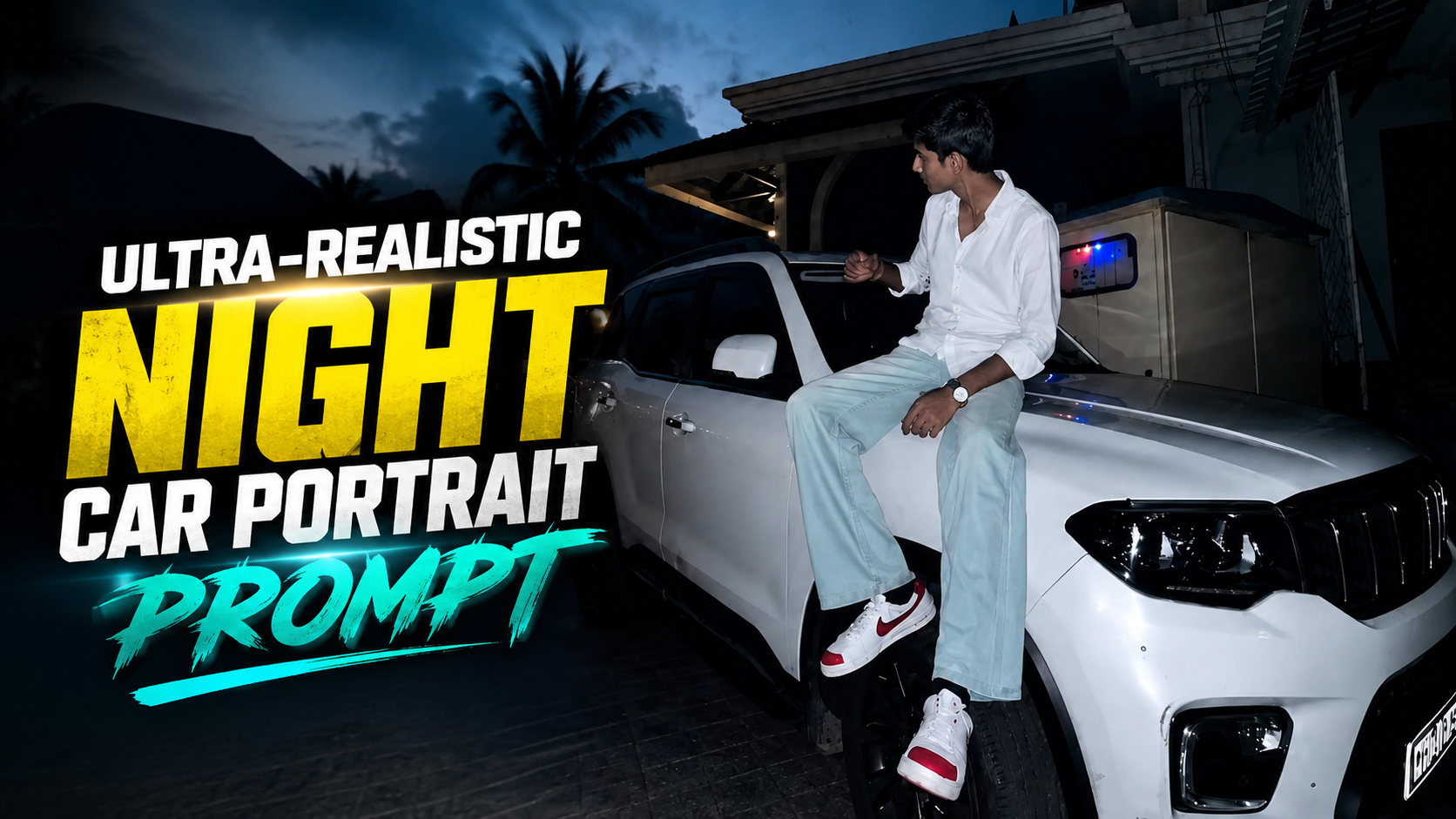
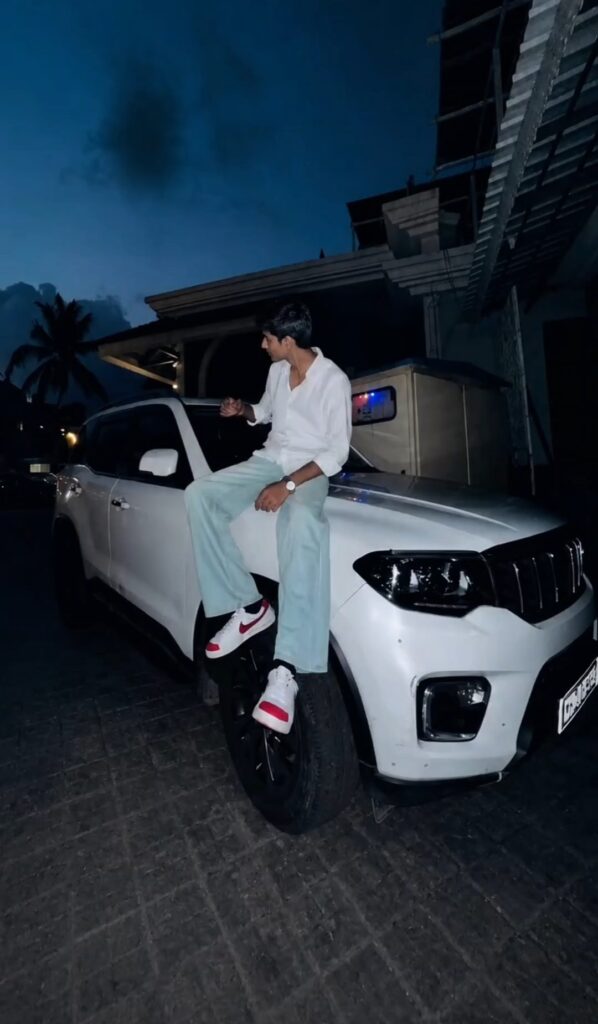
🎬 SCENE 1 – Hero Entry (5s)
Use my uploaded face image and my uploaded white BMW as reference. Keep my face,
hairstyle, beard, skin tone, body proportions, and the BMW exactly the same.
A quiet luxury street at night with warm street lights and large trees. My white BMW is parked
facing the camera. I walk slowly toward the front of the BMW wearing an all-black outfit, white
sneakers, and dark sunglasses. I stop beside the front bumper with both hands in my pockets
and look down confidently. The camera slowly pushes in from a low angle with subtle
handheld movement. Strong cinematic bokeh, realistic reflections on the BMW, Sony FX3,
85mm lens, 24fps, premium luxury automotive commercial.
🎬 SCENE 2 – Bonnet Pose + Hair (5s)
Use the same face and the same white BMW. I sit naturally on the front bonnet of the BMW. My body is relaxed. I slowly run one hand
through my hair while looking down, then slowly look toward the camera with a calm confident
expression. Very natural movement, no overacting. Static camera with a slow cinematic
push-in. Warm street lights, realistic reflections, creamy background bokeh, Sony FX3, shallow
depth of field, luxury commercial.
🎬 SCENE 3 – Door Open + Exit (5s)
Use the same face and the same white BMW.
I open the driver's door naturally and step out slowly. I gently close the door and adjust my
black shirt sleeve while standing beside the car. The camera follows with a slow side tracking
movement. Realistic walking, natural cloth movement, soft street lights, cinematic night
atmosphere, premium automotive advertisement, Sony FX3, 85mm lens.
🎬 SCENE 4 – Driving Interior (5s)
Use the same face and the same white BMW.
Interior night shot from the passenger seat. My left hand is on the steering wheel while I drive
calmly through a city street at night. Street lights reflect across the dashboard and windshield.
I glance at the road with a confident expression. Natural steering movement, realistic
dashboard lighting, shallow depth of field, cinematic handheld camera, Sony FX3, luxury
commercial.
🎬 SCENE 5 – Driving Exterior (5s)
Use the same face and the same white BMW.
The white BMW drives slowly along a quiet tree-lined road at night. The camera tracks beside
the moving car with smooth cinematic motion. Warm street lights reflect beautifully on the
glossy paint. I am visible through the driver's window. Authentic road movement, realistic
wheel rotation, premium automotive commercial, Sony FX3, 85mm lens.
🎬 SCENE 6 – Final Hero Shot (5s)
Use the same face and the same white BMW.
The BMW stops under warm street lights. I step out, lean casually against the front fender with
folded arms, and look directly into the camera with a calm, confident expression. The camera
slowly pulls back into a wide hero shot. Strong cinematic bokeh, natural night lighting,
realistic reflections, luxury BMW commercial, Sony FX3, 24fps.


Cinematic First Sight Love Story AI Video Prompt

How to Use This Cinematic AI Video Prompt (Step-by-Step Guide)

Prepare Your Reference Images: Before generating the video, keep all reference images ready. Use @Image1 for the man, @Image2 for the woman, and @Image3 for the watch or accessory. High-quality reference images help the AI maintain consistent facial features and appearance throughout the video

.Open Your AI Video Generator: Launch your preferred AI video generation tool and create a new project. Select a 9:16 vertical aspect ratio if you’re making content for YouTube Shorts, Instagram Reels, or TikTok.

Upload the Reference Images: Upload all the required reference images in their respective slots. Make sure the AI recognizes each image correctly before moving to the next step.

Paste the Complete Prompt: Copy the entire prompt exactly as written and paste it into the prompt box. Avoid removing scene descriptions, camera directions, or timing details, as they help the AI generate a cinematic sequence.

Keep the Beat Structure Intact: The prompt is divided into five beats. Do not change their order because each beat controls a different part of the story, creating a smooth and realistic transition between scenes.

Use High-Quality Settings: Choose the highest available resolution (preferably 4K) and enable cinematic or photorealistic quality settings. If your AI tool supports camera movement or realism options, keep them enabled.

Generate and Review: Start the generation process and carefully review the output. If needed, regenerate the video to achieve better facial consistency, smoother motion, or improved lighting.

Export the Final Video: Once satisfied, export the video in the highest quality available. The final result is ideal for cinematic reels, AI showcase videos, and social media content featuring realistic storytelling and premium visual quality.

✦ AI PROMPT
Outfit changes:

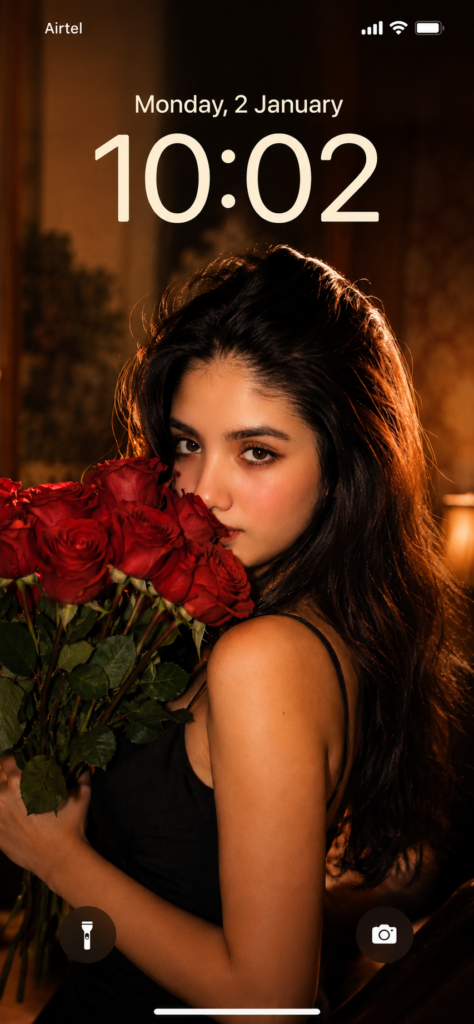
Woman: Image wale black saree look mein β€” fitted black sleeveless blouse (deep V-neck), sheer black net saree with gold sequin border draped over shoulder, thin gold butterfly pendant necklace, soft wavy dark hair, hands holding a fresh flower bouquet (white and blush pink roses with eucalyptus leaves)

Man: premium linen-blazer look, handsome sharp jawline

Here's the revised prompt:

Cinematic 4K photorealistic video, 15 seconds, natural golden hour light. Wide tree-lined Bangalore city boulevard, tall rain trees overhead canopy, warm amber sunlight through leaves, dappled gold on tarmac, ambient city sounds.

BEAT 1 β€” 0:00 to 0:04: Young handsome Indian man from @Image1 stands on near-side footpath beside a black bike, facing camera. Sharp jawline, clean styled black hair, clear glasses, premium charcoal-grey linen blazer over white button-up shirt (top button open, no tie), tailored beige trousers, tan leather loafers, silver watch left wrist from @Image3. Head slightly down casually checking his watch, relaxed and completely unaware. Black Porsche 911 GT3 enters from left at road speed β€” horn blares once β€” car sweeps through foreground in shallow focus blur blocking full road view for one second, powerful wind whoosh as it passes.

BEAT 2 β€” 0:04 to 0:07: Car clears frame β€” slow motion begins instantly. On the opposite footpath directly across, a young Indian woman from @Image2 steps off the far kerb beginning to cross β€” walking straight toward camera. Car's wind wake hits her at this exact moment β€” soft wavy dark hair lifting and blowing toward camera. Fitted black sleeveless blouse with deep V-neckline, sheer black net saree with gold sequin-embroidered border draped elegantly over one shoulder and pallu flowing behind in the wind, thin gold butterfly pendant necklace catching golden light, both hands holding a fresh bouquet of white and blush-pink roses with eucalyptus sprigs close to her chest, delicate gold bangles, flat strappy sandals. She walks straight forward facing camera, eyes ahead, calm natural expression, completely unaware of him on the opposite pavement.

BEAT 3 β€” 0:07 to 0:10: Cut to tight front close-up of the man's face. Head lifted from watch, eyes wide and still fixed straight across the road, mouth barely parted, glasses catching soft golden light. Pure quiet stunned stillness. First sight. No theatrics. Completely natural.

BEAT 4 β€” 0:10 to 0:12: Cut back to her β€” slow motion β€” mid-road walking straight toward camera, sheer saree pallu swaying, bouquet held gently against her, hair gradually settling. She never glances toward him. Fully in her own world.

BEAT 5 β€” 0:12 to 0:15: Slow motion close-up of her beautiful face. Soft wavy dark hair gently blowing and settling, warm amber light falling across her features, soft skin, dark expressive eyes looking straight ahead, gentle natural expression, gold earrings catching light, roses from bouquet slightly visible in frame edge. Quiet effortless beauty. She still does not know. Shallow depth of field, warm golden bokeh tree canopy behind. Wind sound fading to silence.

Anamorphic lens, natural bokeh, no filters, no music. Diegetic sound only β€” car horn, wind whoosh, ambient city hum, fading breeze. Pure documentary realism. No jump cuts.