
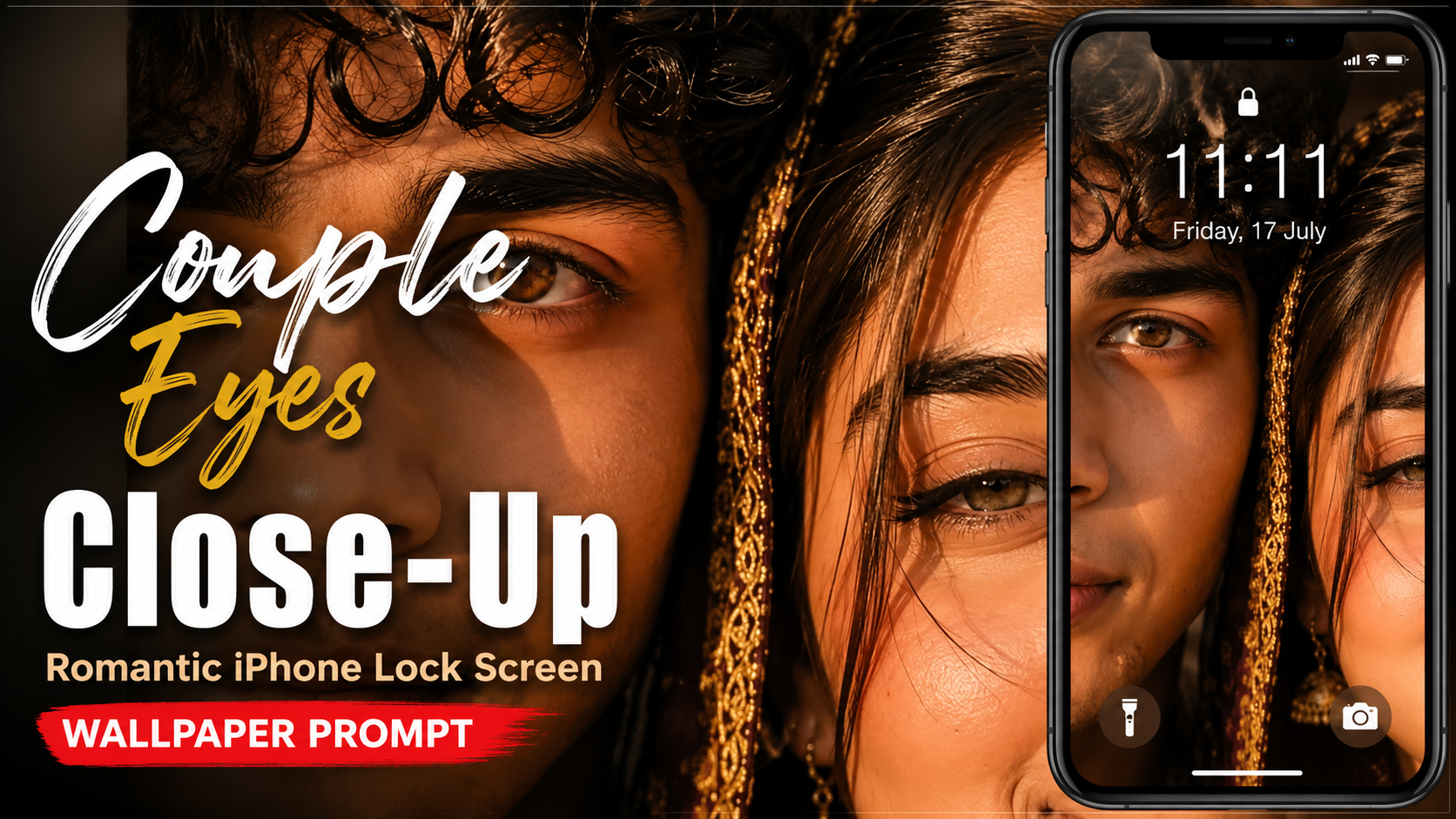
How to Use the Romantic Couple Eyes iPhone Lock Screen Prompt
This AI image prompt can help you create a romantic, ultra-realistic iPhone-style lock screen wallpaper featuring a close-up of a couple’s eyes, cinematic lighting, realistic skin details, and an iOS-inspired layout. Follow these steps to get the best result.
1. Choose an AI Image GeneratorOpen an AI image generation tool that supports detailed text prompts and, preferably, reference images.
2. Copy the Complete PromptCopy the entire prompt exactly as provided. It contains important instructions for the couple’s facial composition, eye details, lighting, background, lock screen elements, and image quality.
3. Upload Reference PhotosIf you want the generated wallpaper to resemble a specific couple, upload clear reference photos of both people. Use high-quality images where the eyes and facial features are clearly visible.
4. Paste the PromptPaste the copied prompt into the AI generator’s prompt box. If the tool supports image references, add the uploaded photos as references.
5. Select a 9:16 RatioSet the image aspect ratio to 9:16. This vertical format is ideal for smartphone wallpapers and provides enough space for the lock screen layout.
6. Generate the ImageClick Generate, Create, or the equivalent button. The AI will create the image based on the instructions in the prompt
.7. Check the DetailsReview the generated result carefully. Check the eyes, eyelashes, skin texture, facial positioning, lighting, hair strands, and overall romantic composition
.8. Regenerate if NeededIf some details are incorrect, generate another variation. You can also slightly modify the prompt to improve facial positioning, eye expressions, or lighting.
9. Save the Best ResultChoose the most realistic and visually appealing version and save it in the highest available quality
.10. Set It as Your Lock ScreenFinally, use the generated 9:16 image as your smartphone wallpaper. For the best appearance, crop or position it so the important facial details remain visible around the lock screen clock
.Pro Tip: Clear reference images, consistent lighting, and high-resolution inputs usually produce better facial details and more realistic results.
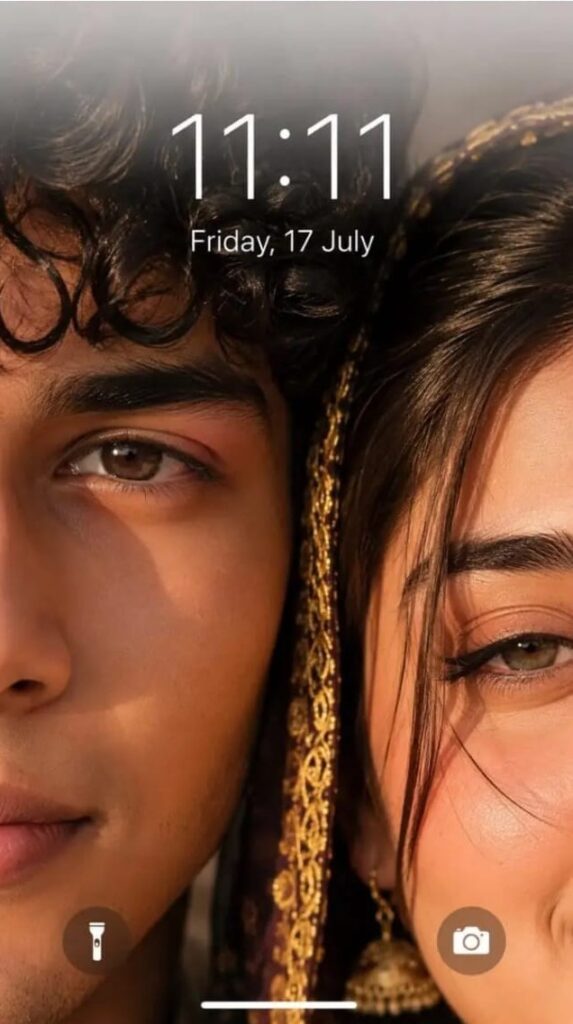
Ultra-realistic iPhone lockscreen wallpaper, extreme close-up of couple faces, only one eye each visible - boy eye fully open, girl eye slightly closed (romantic). Faces almost touching, natural skin texture, pores, detailed eyelashes, hazel-brown glossy eyes. Warm golden hour cinematic lighting, soft reflections, few hair strands between faces, shallow depth blurred background. Top: soft white translucent blur (iOS depth effect), time "11:11" with date "Friday, 17 July".
Bottom: iPhone-style flashlight (left) and camera (right) icons. 8K, HDR, ultra-detailed, realistic, 9:16.


Prompt: