
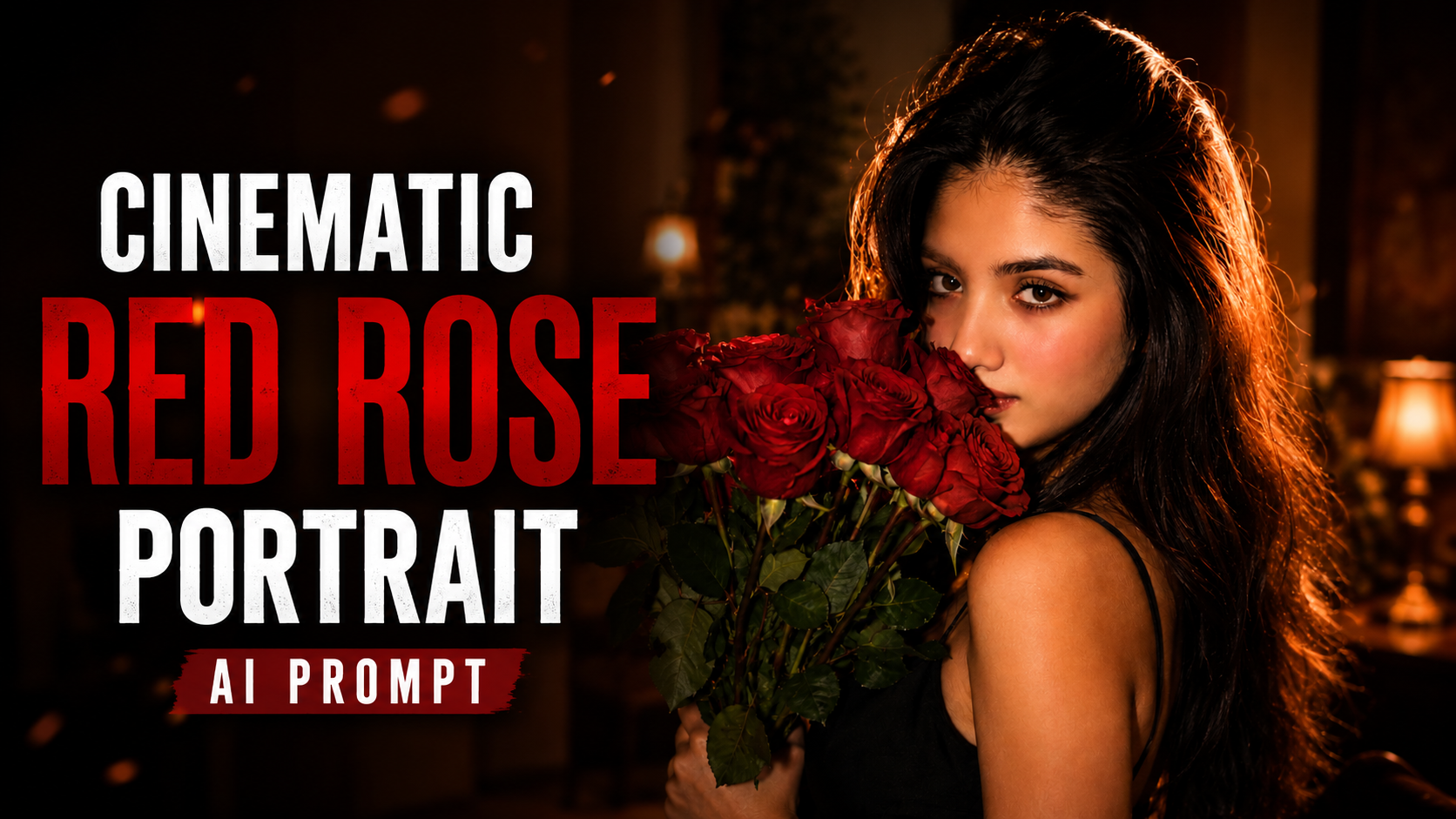

How to Use This AI Portrait Prompt: Step-by-Step Guide
Creating a realistic cinematic portrait with AI is easy when you use the right prompt and follow a few simple steps. This prompt is designed to create a warm, romantic, vintage-inspired portrait of a South Asian woman with red roses, natural beauty, and cinematic lighting
.1. Choose an AI Image GeneratorFirst, open your preferred AI image-generation tool. You can use platforms such as ChatGPT, Gemini, or another AI image generator that supports detailed prompts.
2. Prepare Your Reference PhotoIf you want the AI-generated image to resemble a specific person, upload a clear, high-quality reference photo. Choose an image where the face is clearly visible and well-lit.
3. Upload Your PhotoOpen the image-generation feature and upload your reference photo. Wait until the image is completely uploaded before entering the prompt.
4. Copy the Complete PromptCopy the entire prompt provided above. Make sure you copy all the important details, including the hairstyle, facial expression, red roses, black dress, camera angle, and lighting.
5. Paste the PromptPaste the complete prompt into the AI image generator. If you are using a reference image, mention that the uploaded image should be used as the primary reference for the person’s identity.
6. Select the Image RatioChoose the aspect ratio according to your purpose. For Instagram Stories, Reels, and phone wallpapers, 9:16 is recommended. For Instagram posts, 4:5 works well, while 16:9 is suitable for YouTube thumbnails.
7. Generate the ImageAfter uploading the photo and pasting the prompt, click Generate or the equivalent button. The AI will process your instructions and create the portrait
.8. Check the ResultCarefully check the face, hair, roses, dress, lighting, and overall composition. If something looks incorrect, modify the prompt and generate another version.
9. Improve the Prompt if NeededYou can add instructions such as natural skin texture, realistic eyes, detailed hair, cinematic depth of field, and photorealistic quality to improve the final result.
10. Save Your Final ImageOnce you are satisfied with the result, save the generated image and use it for your social media posts, profile pictures, wallpapers, or creative projects.
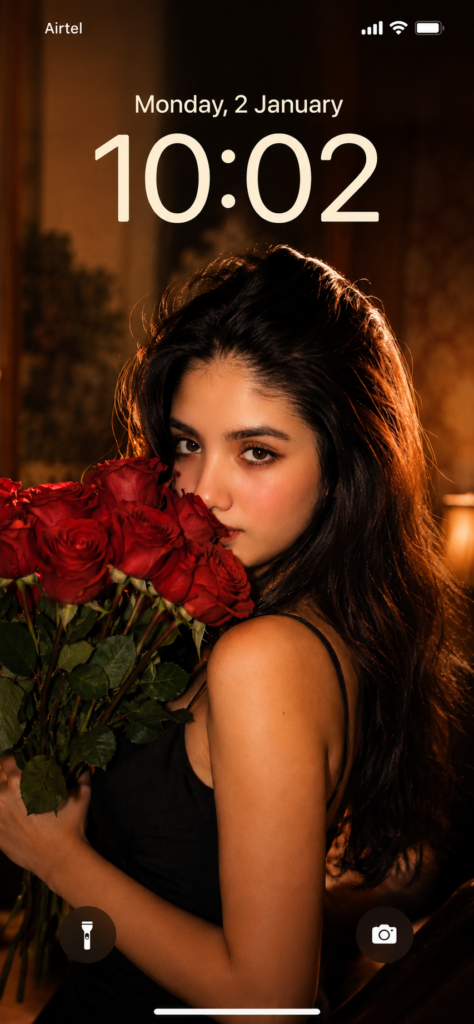
Prompt:

Create an ultra-realistic cinematic portrait of a young South Asian woman in a warm, romantic, vintage-inspired setting. She is shown in a close-up three-quarter profile, looking directly toward the camera with a soft, mysterious expression.

She has long, thick, naturally wavy dark-brown/black hair cascading over one shoulder and down her back, with subtle warm brown highlights catching the light. Her facial features are soft and natural, with expressive dark eyes, neatly shaped eyebrows, smooth glowing skin, subtle eyeliner, and muted red lipstick.

She holds a large bouquet of fresh vivid red roses close to her face, with several roses and green leaves partially covering the lower half of her face. She wears a simple elegant black spaghetti-strap dress.

Use warm golden-orange lighting coming from the side, creating soft highlights on her face, shoulders, and hair.


Prompt: