
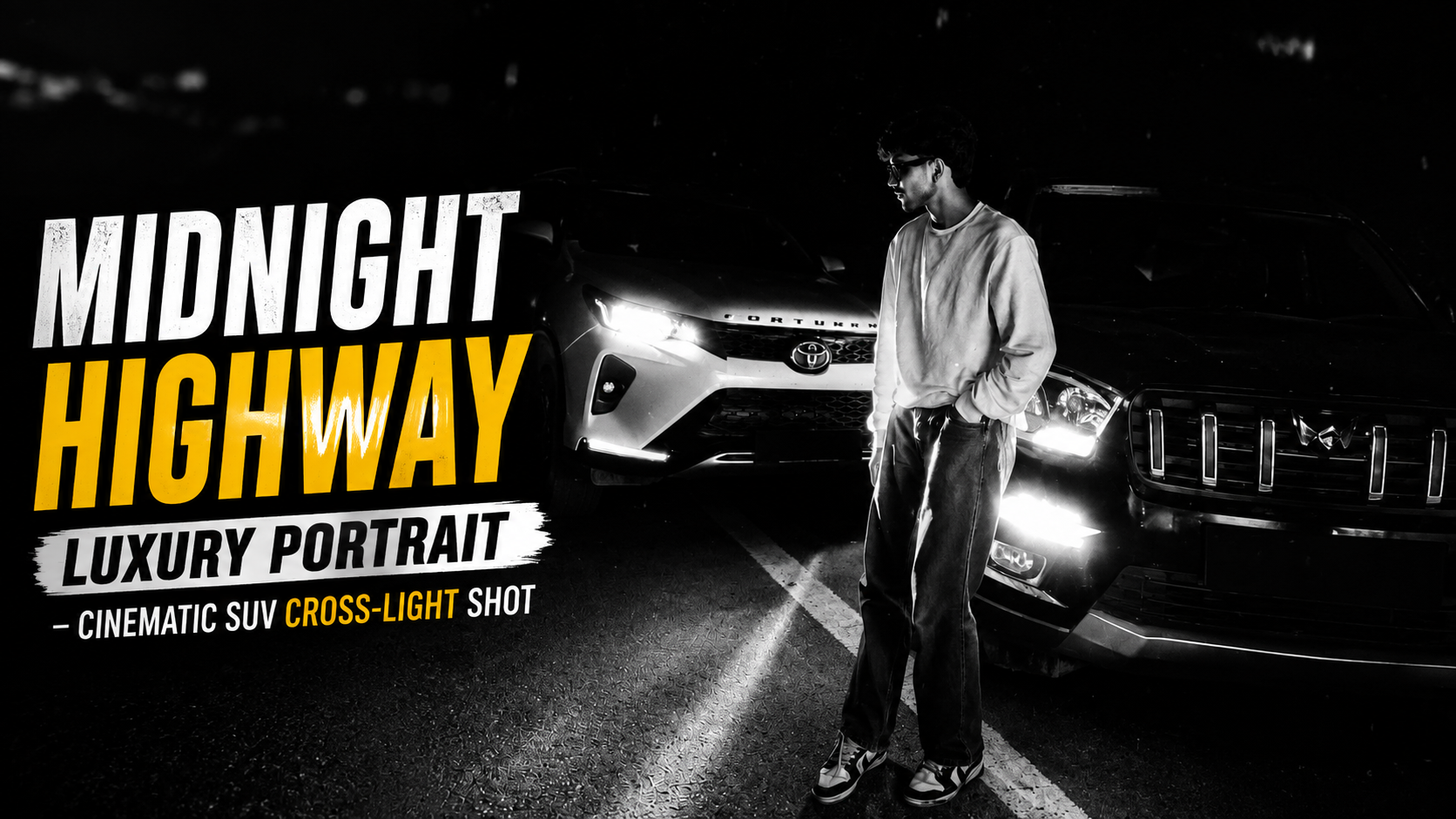
How to Use This Cinematic Night Portrait Prompt (Step-by-Step Guide)
1. Choose the Right Platform Sabse pehle, is prompt ko use karne ke liye ek powerful AI image generation tool select karein jaise MidJourney, Leonardo AI, ya Stable Diffusion. Yeh tools ultra-realistic outputs dene mein best hote hain
.2. Upload Your Reference Image Prompt mein clearly mention hai “use the uploaded image as the only reference.” Iska matlab hai ki aapko apni original photo upload karni hogi. Yeh step identity lock ke liye bahut important hai.
3. Paste the Full Prompt Properly Ab poora prompt copy karke AI tool ke prompt section mein paste karein. Dhyaan rahe ki koi bhi line miss na ho, especially lighting aur camera details
.4. Maintain Identity Lock Agar tool mein “image weight” ya “reference strength” option ho, usse high rakhein (0.7–1.0). Isse face, hairstyle aur body same rahegi
.5. Aspect Ratio Set Karein Agar aapko cinematic look chahiye, toh 4:5 ya 16:9 aspect ratio select karein depending on use (Instagram ya thumbnail)
.6. Negative Prompt Add Karein Negative prompt ko ignore mat karein. Yeh unwanted issues jaise blur, distortion, ya cartoon effect ko avoid karta hai.
7. Lighting & Detail Settings Optimize Karein High quality, HDR, aur photorealistic settings ON rakhein. Steps (sampling steps) 30–50 aur CFG scale medium-high rakhein best results ke liye.
8. Multiple Variations Generate Karein Ek hi baar mein perfect output nahi milta. 3–4 variations generate karein aur best select karein.
9. Final Upscale & Sharpening Best image choose karne ke baad upscale option use karein (2x ya 4x) taaki 8K quality achieve ho sake.
10. Post-Editing (Optional) Agar zarurat ho, toh Lightroom ya Photoshop mein thoda contrast, sharpness aur glow enhance kar sakte hain for a premium finish.Is process ko follow karke aap ek high-end cinematic, magazine-quality portrait easily create kar sakte hain.
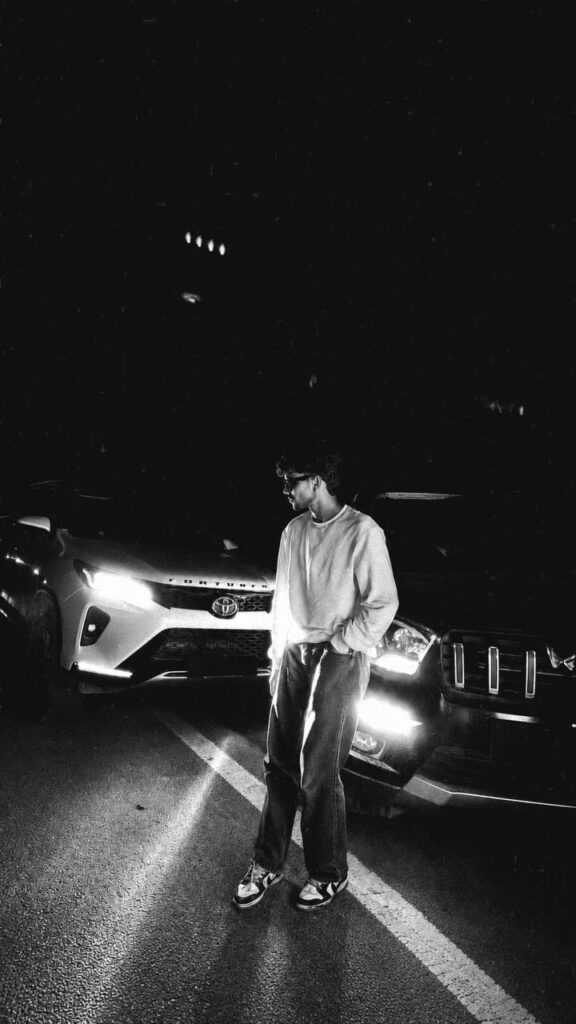
Create an ultra-realistic, premium cinematic night portrait using the uploaded image as the only reference. Preserve the subject’s facial identity, hairstyle, skin tone, body proportions, pose, outfit (oversized white sweatshirt, loose blue jeans, and white-red sneakers), and overall composition exactly as in the original image. The subject stands casually on the center road line with one hand in the pocket, looking to the side between two SUVs.The scene takes place on a deserted highway at night. On the left is a white Toyota Fortuner with bright white LED headlights on, and on the right is a black Mahindra Scorpio-N with glowing DRLs and amber parking lights, creating dramatic cross-lighting on the subject. Hide or blur both vehicle number plates while keeping the vehicle designs fully recognizable.Enhance the lighting with cinematic high-contrast HDR, realistic headlight glow, soft volumetric light beams, subtle lens flare, natural bloom, and realistic reflections on the road surface. Improve facial sharpness while maintaining natural skin texture. Add premium teal-and-orange cinematic color grading with deep blacks, rich contrast, crisp details, realistic shadows, and soft atmospheric haze.Maintain a clean black night sky with minimal stars, realistic depth, and a luxury automotive editorial aesthetic. Capture with a full-frame DSLR, 35mm lens, f/1.8, ISO 400, ultra-detailed, magazine-quality automotive photography, hyper-realistic, 8K resolution, razor-sharp focus, realistic textures, and natural dynamic range.Negative Prompt: low quality, blurry, noise, oversaturated colors, cartoon, CGI, painting, illustration, anime, artificial skin, distorted face, changed hairstyle, altered pose, extra limbs, duplicate subject, incorrect vehicle proportions, text, watermark, logo, visible number plates, motion blur, compression artifacts.


Prompt: