
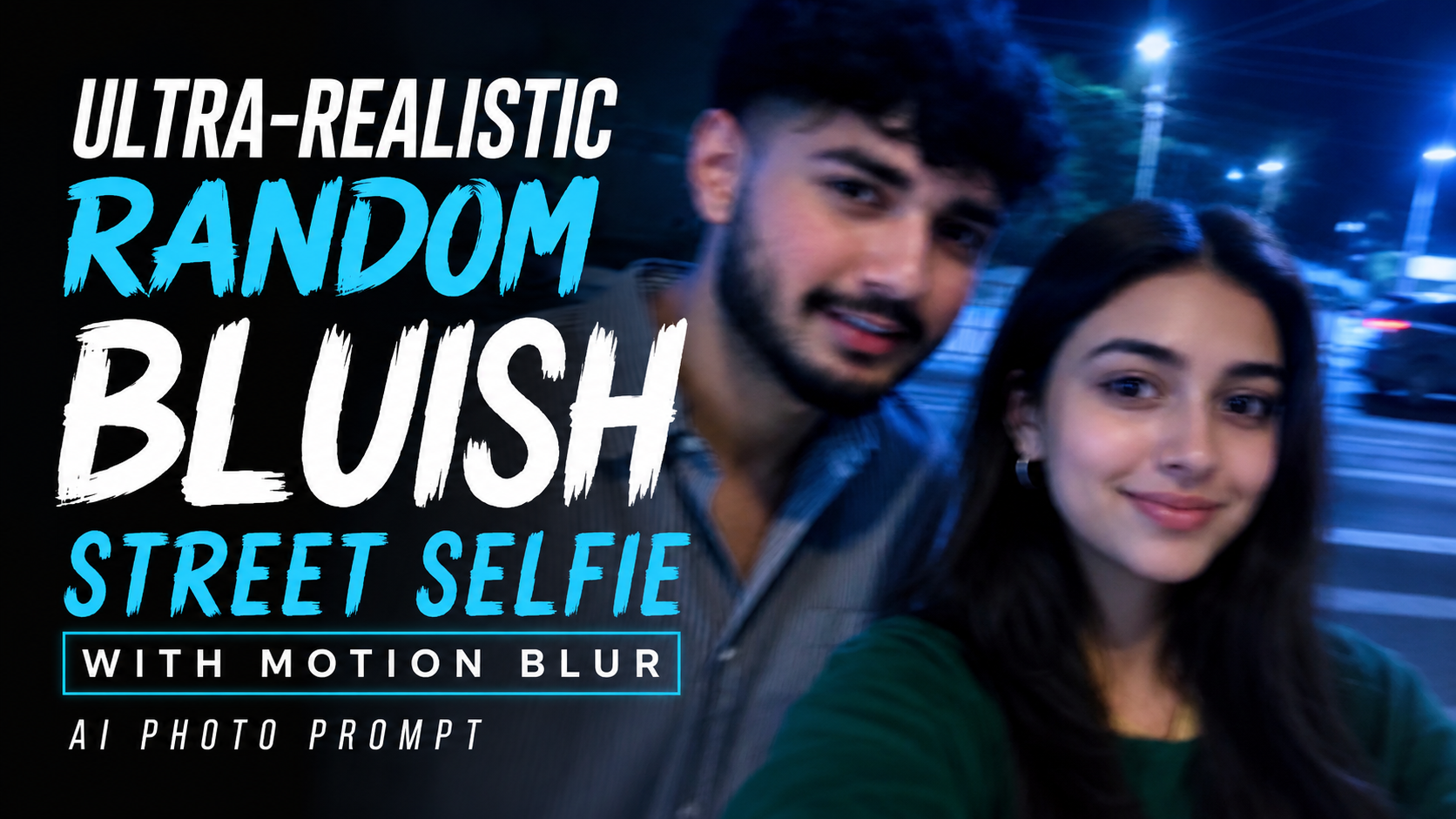
How to Use the Ultra-Realistic Random Bluish Street Selfie AI Photo Prompt
1. Upload a High-Quality Face PhotoStart by uploading a clear, high-resolution face photo. Good lighting and a sharp image help the AI preserve your facial identity more accurately.
2. Keep the Prompt UnchangedDo not remove or modify the identity preservation instructions in the prompt. These ensure that your facial features, skin tone, hairstyle, and overall appearance remain consistent.
3. Embrace the Random Selfie StyleThis prompt is designed to create an accidental-looking selfie with no perfect composition. The final image should feel natural, casual, and unplanned rather than professionally posed.
4. Motion Blur EffectA subtle motion blur is intentionally added to make the photo look like it was captured while moving. This creates a more realistic and authentic snapshot effect
.5. Bluish Streetlight LightingThe prompt uses soft bluish lighting inspired by streetlights at night. This cinematic lighting gives the image a cool, modern, and atmospheric look.
6. 4:5 Aspect RatioThe image is generated in a 4:5 aspect ratio, making it ideal for Instagram posts and most social media platforms.
7. Two Characters in One SelfieThe prompt places both characters naturally within the same selfie frame. The AI blends them into a realistic scene while maintaining a casual appearance
.8. Tips for the Best ResultsUse a high-resolution reference photo, avoid heavily filtered images, and choose an AI model that supports realistic face preservation for the most accurate output.
9. Final OutputThe finished image will look like an ultra-realistic, slightly blurry, bluish nighttime street selfie that appears to have been captured unintentionally while preserving the original facial features as closely as possible.
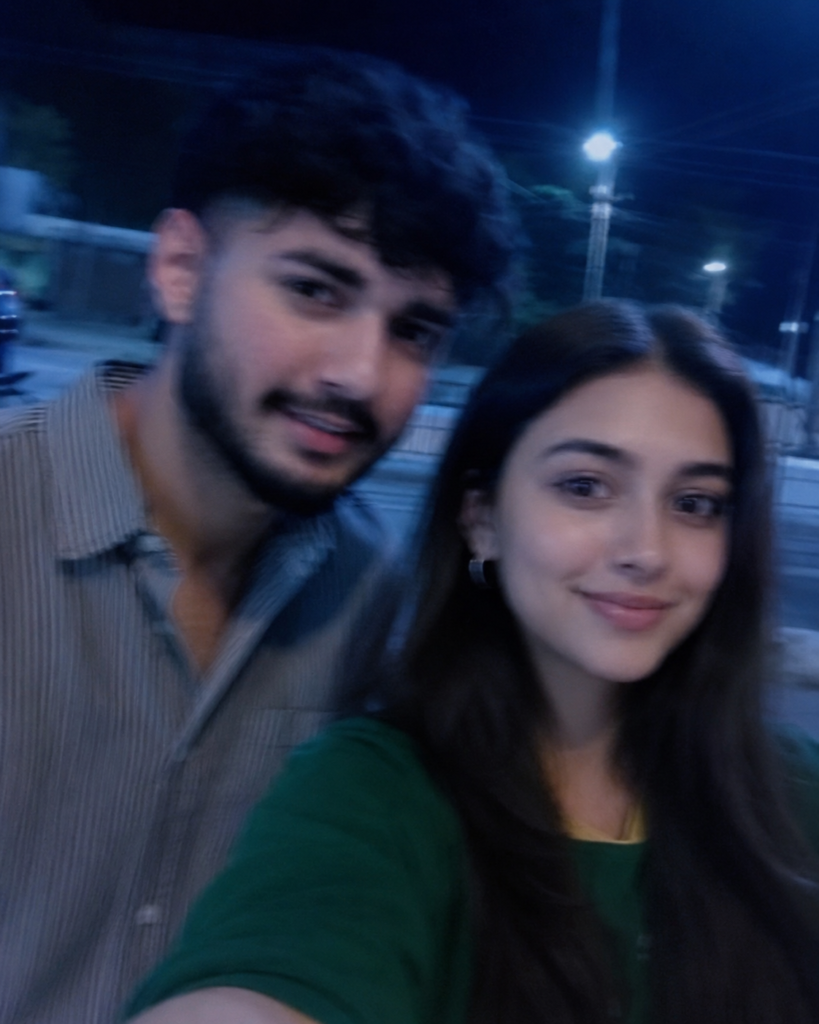
Create an image of a selfie, without any clear subject or composition-just a random blueish snapshot taken unintentionally. The image should have slight motion blur and consistent lighting from streetlights. Both characters are together in the selfie and the image size ratio is 4:5 and does not change the facial features.and make it littel blur effect