
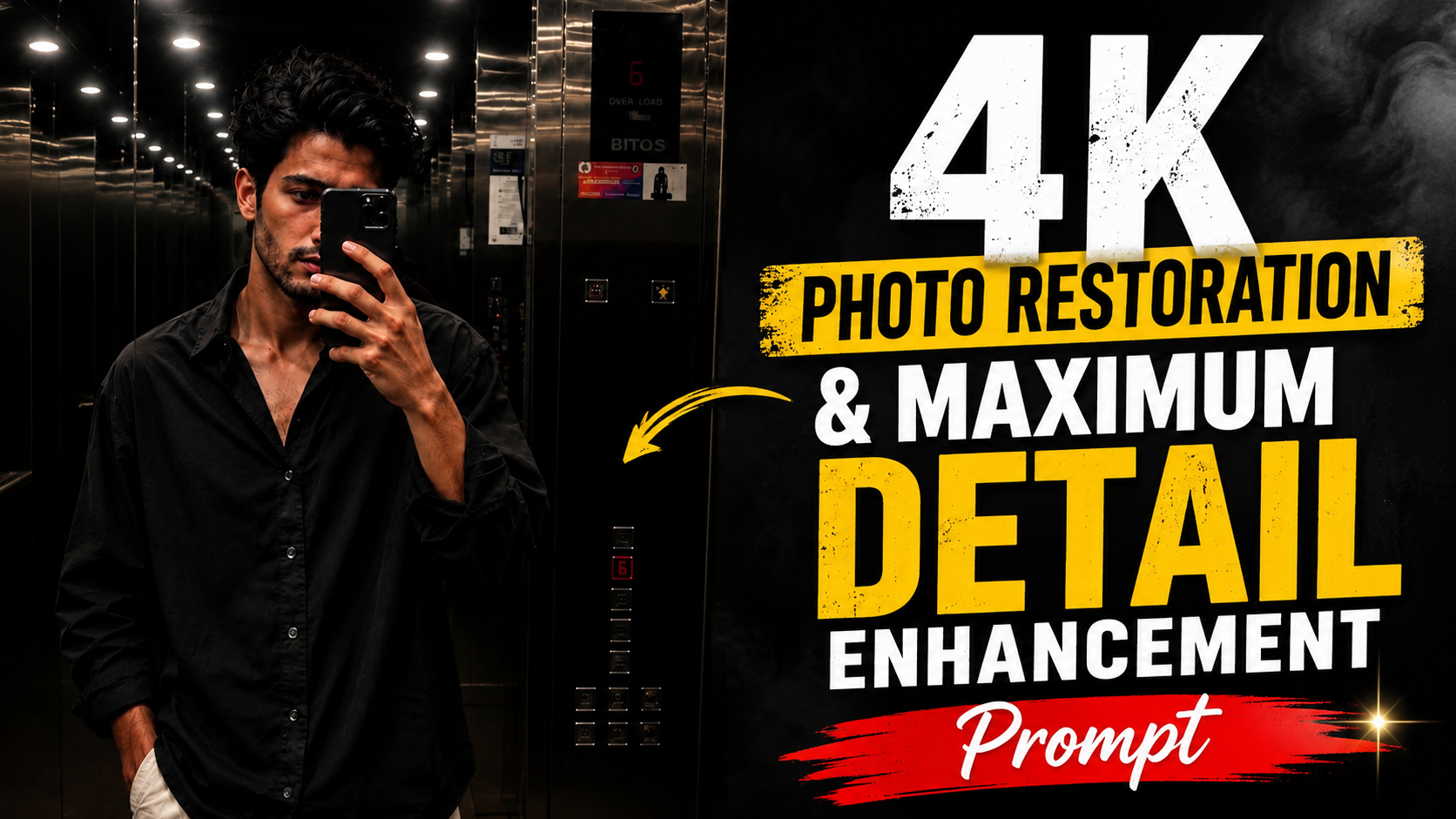
How to Use This AI Image Restoration Prompt
1. Upload Your ImageSabse pehle jis photo ko restore ya enhance karna hai, usse AI image generator me upload karein.
2. Copy the PromptDiya gaya Image Restoration Prompt poora copy karein. Best result ke liye prompt me koi line remove na karein.
3. Paste the PromptPrompt ko Image-to-Image ya Photo Enhancement support karne wale AI tool me paste karein.
4. Keep the Original PhotoYe prompt photo ki original identity, composition aur overall look ko preserve karta hai. Sirf image quality improve hoti hai.
5. Click GenerateAb Generate button par click karein aur AI ko image process karne dein.
6. Check the OutputGenerated image me better sharpness, natural skin texture, clear details, reduced noise aur 4K quality enhancement dekhne ko milegi.
7. Regenerate if NeededAgar result perfect na lage, to same prompt ke saath dobara generate karein ya AI settings ko thoda adjust karein.
8. Download the Final ImageJab output pasand aa jaye, to final high-resolution image download kar lein aur apne project ya social media ke liye use karein
.Is prompt ka main purpose original image ko bina badle uski quality ko maximum level tak enhance karna hai, jisse photo aur bhi realistic, sharp aur professional lage.
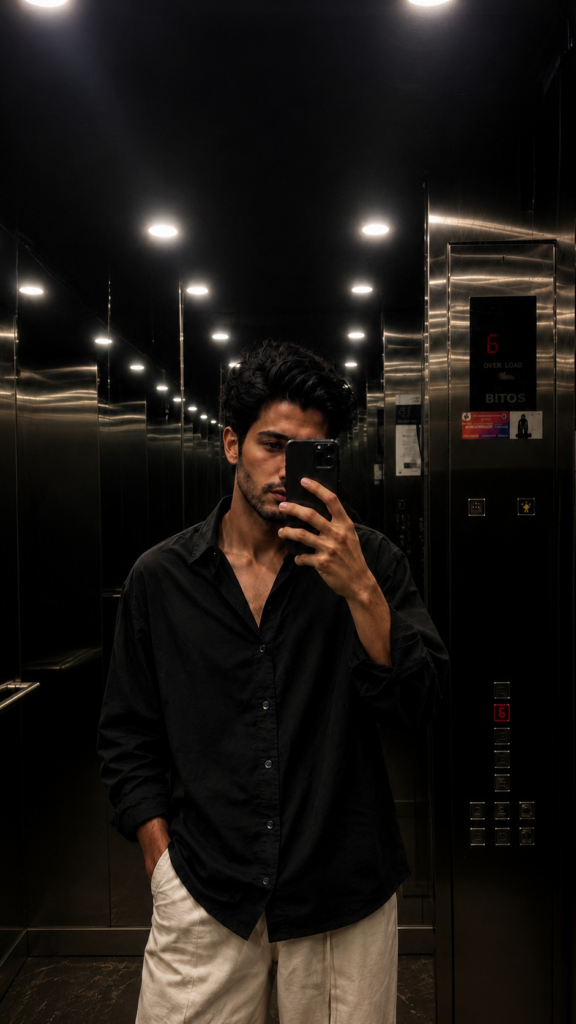
Ultra high-resolution 4K restoration of the original image, preserving exact composition and subject integrity.

Enhance fine details to maximum clarity: skin texture, fabric fibers, surface imperfections, micro-details, and environmental elements.

Apply advanced de-noising, remove compression artifacts, eliminate grain while retaining natural texture. Restore damaged or aged areas with realistic reconstruction (scratches, fading, blur, motion artifacts).

Improve sharpness