
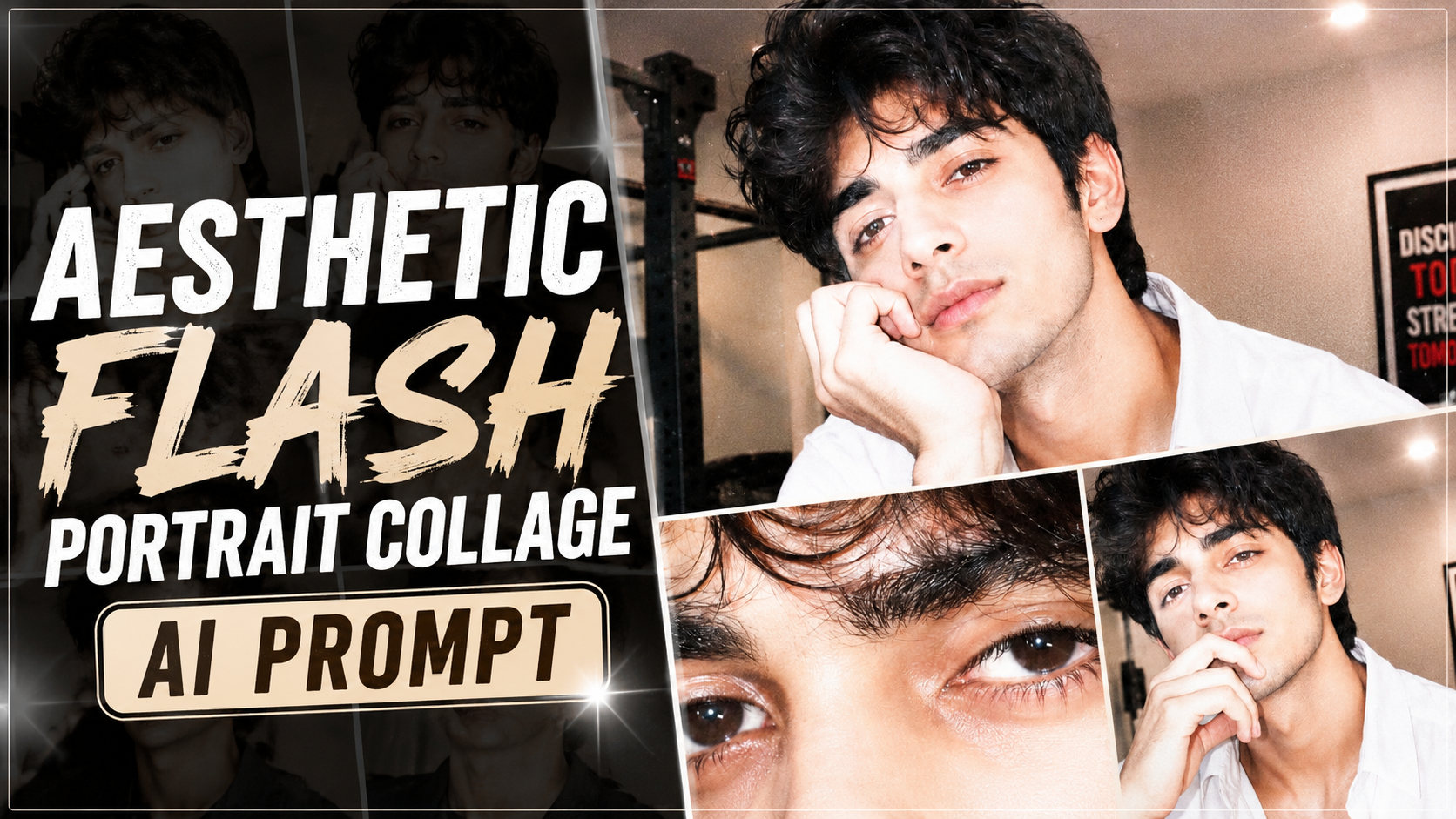
Ultra-Realistic Y2K Flash Photography Prompt Ko Kaise Use Kare (Step-by-Step Guide)
1. Sabse pehle Reference Photo upload kare.Ek clear, high-quality aur front-facing photo upload kare. Face achhi lighting mein hona chahiye taaki AI facial features ko accurately identify kar sake.
2. Prompt ko poora copy-paste kare.Prompt ka koi important part remove na kare. Identity preservation, lighting, composition aur color grading jaise details final result ko improve karte hain.
3. Identity Lock zarur add kare.Agar aap exact face preserve karna chahte hain, to “Use my uploaded face exactly” ya “STRICT IDENTITY LOCK” jaisi line include kare. Isse AI face ko change nahi karega.
4. Aspect Ratio select kare.Instagram Reels ya Shorts ke liye 9:16 aur YouTube thumbnail ke liye 16:9 choose kare. Is prompt ke collage ke liye vertical format best rahega.
5. AI Model select kare.Is prompt ko ChatGPT Images, Gemini, Flux, Midjourney ya kisi bhi advanced AI image generator mein use kar sakte hain.
6. Result check kare.Agar face, pose ya lighting perfect na ho, to prompt mein chhote changes karke dobara generate kare.
7. Best Quality ke liye.High-resolution output, flash photography style aur realistic settings enable kare. Zarurat ho to image ko upscaler se enhance bhi kar sakte hain.
Is tarah aap is prompt ka use karke ultra-realistic, Y2K-inspired flash photography collage create kar sakte hain jisme face accurate rahega aur professional editorial look milega.
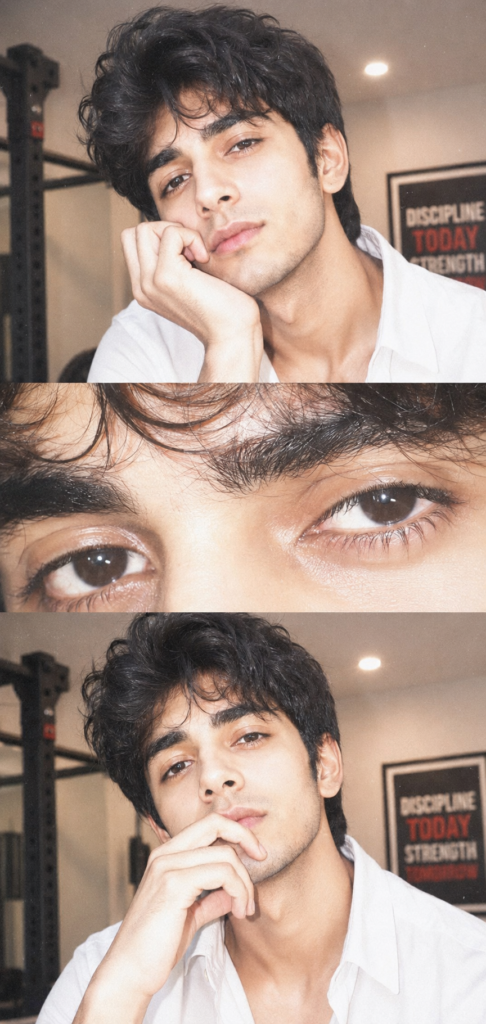
Ultra-realistic Y2K-inspired flash photography collage using the uploaded face exactly.

A young man with voluminous, messy dark hair, soft natural glam makeup, and glossy skin. He is resting his face gently on his hand, fingers slightly curled near her lips, giving a calm, slightly dreamy expression while looking directly at the camera.

Composition: Three-panel

vertical collage:

Top panel:close portrait (head + hand pose)

Middle panel: extreme close-up of eyes (sharp focus on lashes, iris detail)

Bottom panel: same as top panel but pose slightly different (slightly varied crop)

Lighting & Effects:

Strong direct on-camera flash (overexposed

highlights)

Soft blown-out whites on skin

Slight pinkish undertone

High exposure + low contrast

Subtle film grain

Glossy skin texture with visible pores

Catchlights in eyes from flash

Slight blur/glow (diffusion effect)

Minimal shadows, flat lighting Color

grading:

Warm pale tones

Slight desaturation

Creamy whites

Soft pink highlights

Faded vintage look