
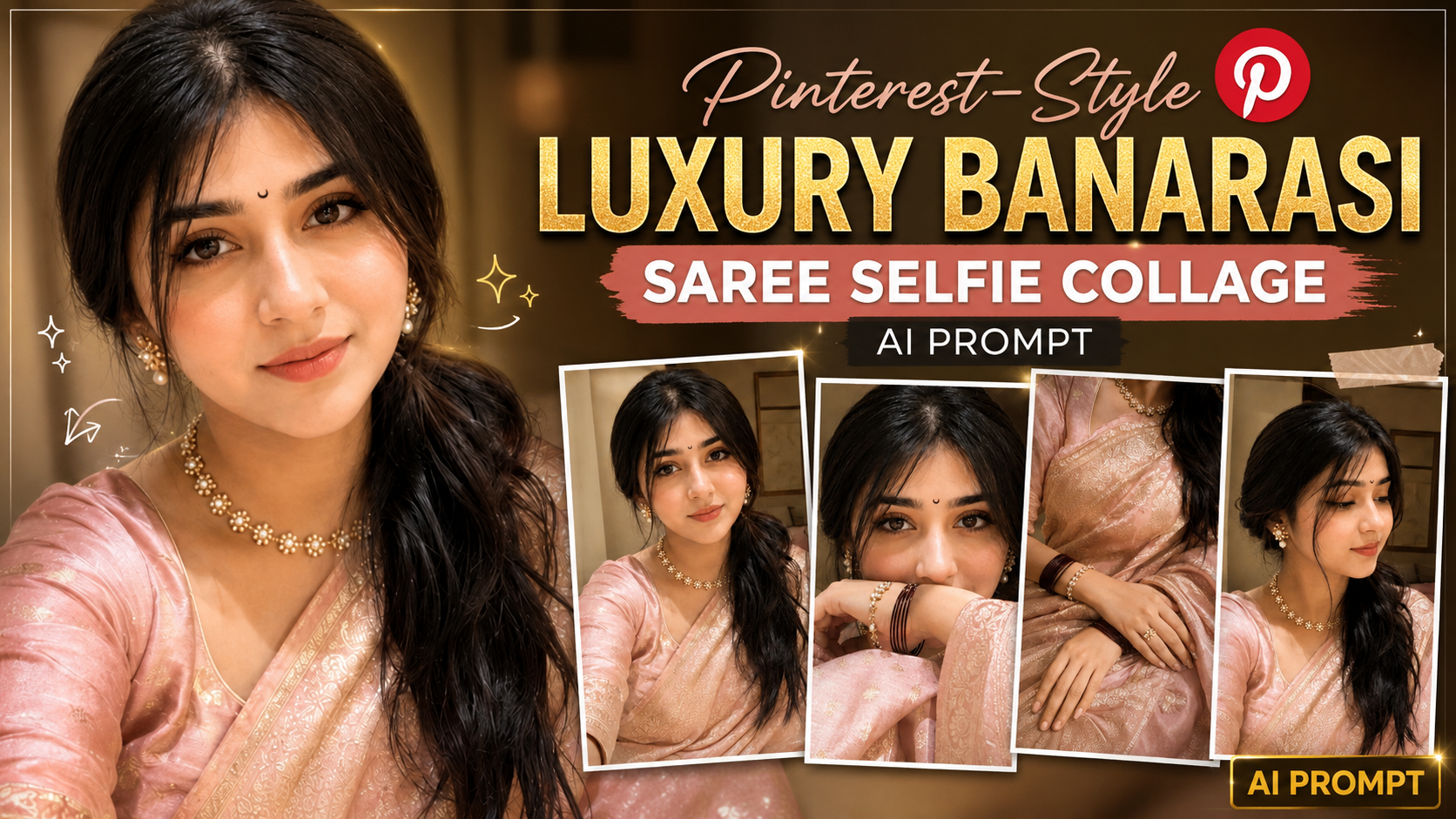
Ultra-Realistic iPhone Selfie Collage Prompt को कैसे इस्तेमाल करें (Step-by-Step Guide)
अगर आप इस AI Prompt से बिल्कुल realistic selfie collage बनाना चाहते हैं, तो नीचे दिए गए steps को follow करें:
1. AI Image Generator खोलें – सबसे पहले ChatGPT, Gemini, Grok, Midjourney, Flux, या किसी ऐसे AI Image Generator को खोलें जो image upload और prompt support करता हो।
2. Reference Photo Upload करें – जिस व्यक्ति की फोटो बनानी है, उसकी एक clear, high-quality front-facing photo upload करें। अच्छी lighting और साफ चेहरा होने से बेहतर result मिलता है।
3. पूरा Prompt Copy-Paste करें – दिए गए prompt को बिना किसी बदलाव के AI Image Generator में paste करें। इससे prompt के सभी camera, lighting और styling instructions सही तरीके से apply होंगे।
4. Identity Preservation बनाए रखें – Prompt में पहले से लिखा है कि AI को reference image का exact face, hairstyle, skin tone और facial proportions preserve करने हैं। इसलिए अलग से कुछ लिखने की आवश्यकता नहीं है।
5. Image Generate करें – Generate बटन दबाएँ और AI को image बनाने दें। पहली बार में result perfect न आए तो दोबारा generate करके best output चुनें।
6. जरूरत पड़ने पर Prompt Customize करें – यदि आप saree का रंग, background, jewelry, pose या lighting बदलना चाहते हैं, तो केवल उन हिस्सों को edit करें। बाकी prompt को वैसा ही रहने दें।
7. Best Quality के लिए Tips – हमेशा high-resolution reference image का उपयोग करें। धुंधली, cropped या heavily filtered photo से identity match कम हो सकता है। Natural expressions और अच्छी lighting वाली photo सबसे अच्छा परिणाम देती है।
8. Final Result – इस prompt से आपको 2×2 grid में ultra-realistic iPhone 16 Pro front-camera selfie collage मिलेगा, जिसमें natural smartphone look, realistic texture, luxury Banarasi styling, warm golden-hour lighting और Pinterest-style premium aesthetic दिखाई देगा। बेहतर परिणाम के लिए आवश्यकता पड़ने पर एक से अधिक बार image generate करें और सबसे अच्छा version चुनें।
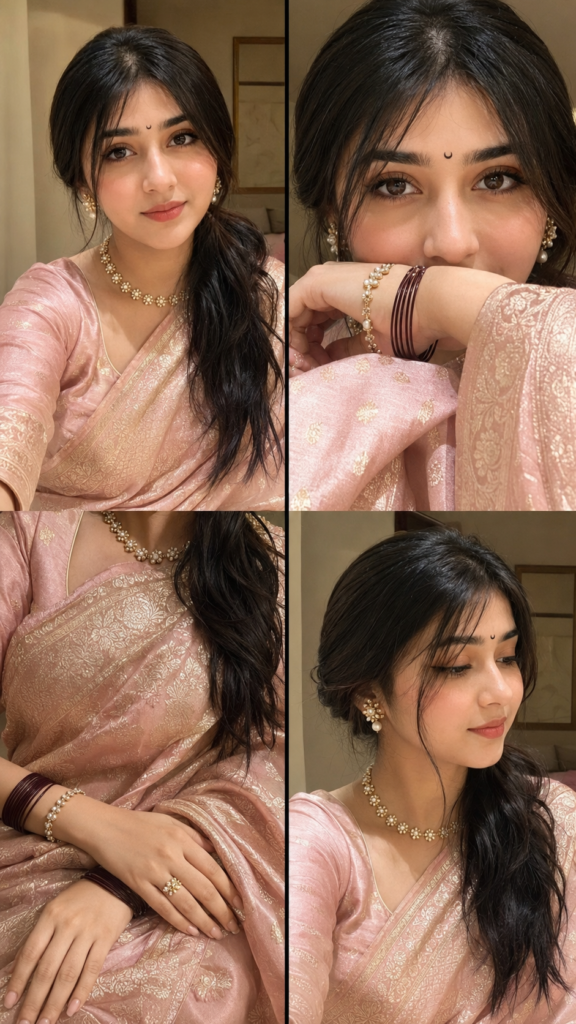
Ultra-realistic indoor iPhone 16 Pro front-camera selfie collage (2 x 2 grid, 9:16), natural smartphone photography with subtle grain, slight motion blur, realistic JPEG compression, HDR off, no beauty filter. Use the uploaded reference image to preserve the EXACT SAME FACE with 100% facial identity, expression, hairstyle, skin tone, and proportions. Dress her in a luxurious pastel blush pink Banarasi silk saree with antique gold zari, matching blouse, tiny black crescent moon bindi, pearl-and-gold floral jewelry, maroon bangles, and glossy nude makeup. Four frames: (1) soft smiling portrait, (2) close-up with forearm covering lips, (3) elegant hands on Banarasi saree, (4) side-profile candid. Warm golden-hour window light with soft blush-pink glow, minimal luxury bedroom background, Pinterest-inspired luxury editorial aesthetic, authentic iPhone selfie realism, ultra-photorealistic, nat.