
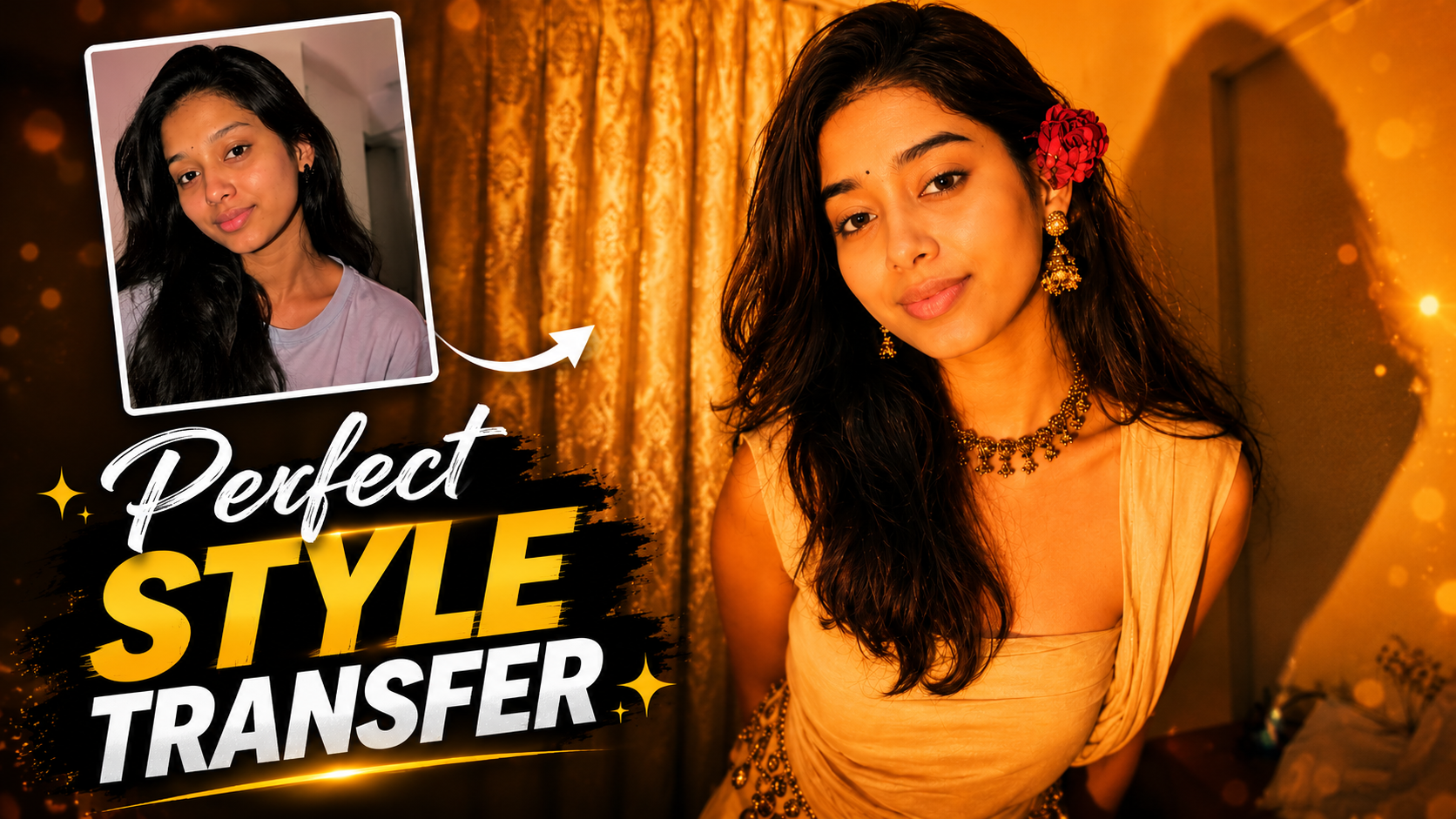
How to Use This Style Transfer Prompt (Step-by-Step)
1. Upload Two Images: First, upload the reference image (the one with the desired makeup, pose, dress, lighting, and background). Then upload the target image whose face you want to preserve
.2. Paste the Prompt: Copy and paste the prompt into your AI image generation tool exactly as written. Do not remove important instructions such as keeping the face unchanged.
3. Keep Identity Intact: Clearly mention that the face of the second girl must remain 100% identical. The AI should not modify her facial features, skin tone, hairstyle, or expression.
4. Transfer Only the Style: The AI should copy the makeup, outfit, shoulder position, pose, lighting, filter, and overall composition from the first image while preserving the identity of the second girl.
5. Match the Background: Instruct the AI to recreate the same background from the first image so the final result looks natural and professionally edited.
6. Generate and Review: After generating the image, carefully check whether the face is unchanged. If the AI alters the face, regenerate the image or strengthen the instruction to preserve identity.
7. Best Results: Use high-quality, clear images with similar camera angles and good lighting. Better input images produce more realistic and accurate style transfer results.
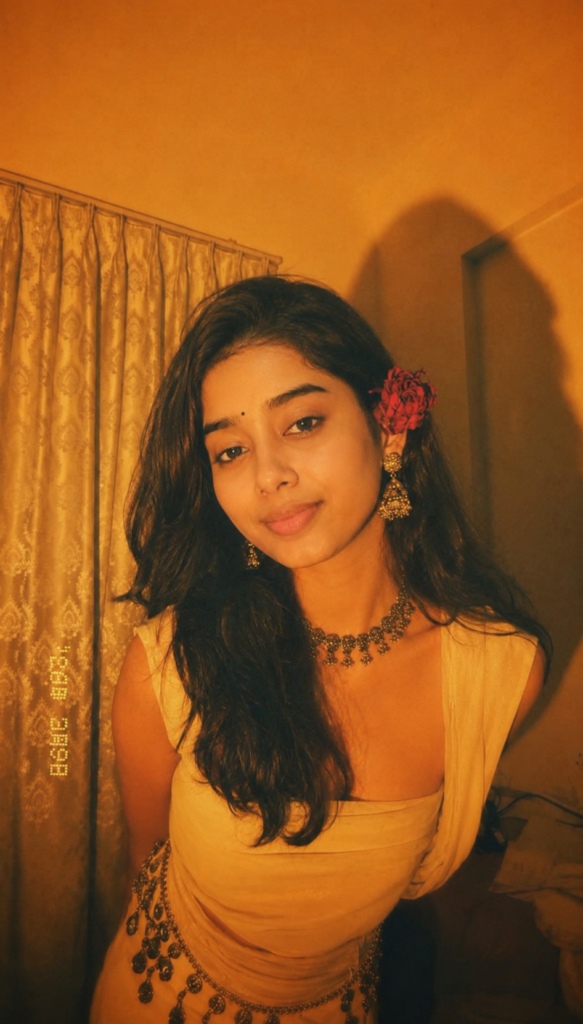
Just like the girl has given makeup dress poses in the first pic, similarly same pose makeup and filter 2nd pic so that its shoulder look same as first pic, just the face should be of the girl of 2nd pic and don't change the face of 2nd pic

The background should same as 1 pic bus 2 pic wali ka face hona chahiye don't change her face