
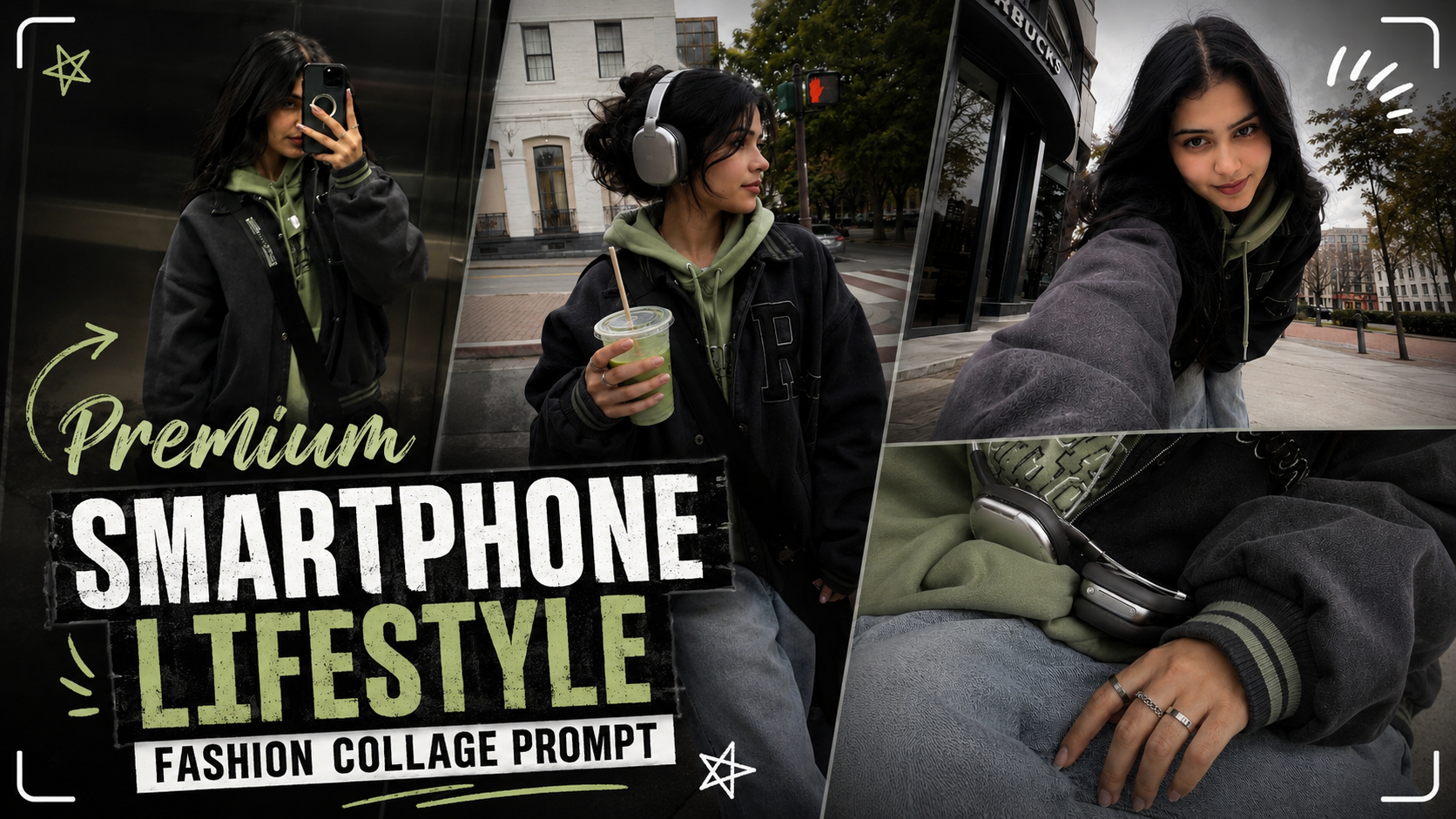
How to Use This AI Prompt (Step-by-Step Guide)If you want to create a premium smartphone collage like the example, follow these simple steps:
1. Upload a clear portrait photo of the person whose face you want to use. A high-quality image with good lighting gives the best results.
2. Open your preferred AI image generator (such as ChatGPT Image, GPT-Image, or another AI image tool) that supports image editing or image generation.
3. Paste the prompt exactly as written. Replace [HUMAN] with the uploaded person, or simply upload the image and keep the prompt unchanged if the AI automatically uses the uploaded photo.
4. Keep the clothing and styling details exactly as mentioned in the prompt. This includes the charcoal varsity jacket, faded pistachio hoodie, loose stone-washed denim, and burgundy sneakers.
5. The AI will generate four lifestyle photos arranged as a premium smartphone collage: a mirror fit check, an ultra-wide selfie, a side-profile street shot with an iced matcha, and a close-up detail shot of accessories.
6. Use a 9:16 aspect ratio for the best Instagram Reels, YouTube Shorts, and TikTok format.
7. Review the final image. If needed, regenerate once or twice for even more natural expressions and realistic details.
Following these steps will help you create a stylish, realistic smartphone gallery collage with a premium fashion aesthetic suitable for social media.
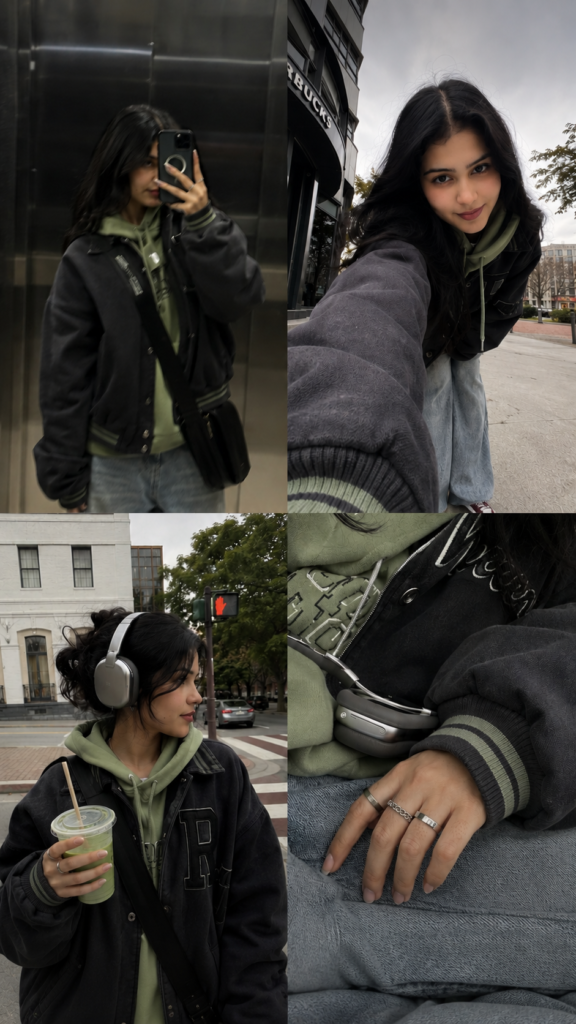
A premium smartphone collage featuring [HUMAN] wearing an oversized charcoal varsity jacket over a faded pistachio hoodie, loose stone-washed denim and burgundy sneakers. Four authentic photos arranged like an iPhone gallery: a blurry mirror fit check in an elevator, an ultra-wide selfie while leaning over the camera with a subtle grin, a candid side profile waiting at a crosswalk holding an iced matcha, and a zoomed-in detail shot of rings, headphones and sleeves. Soft overcast afternoon, muted sage, charcoal, cream and burgundy palette, subtle gallery UI overlays, natural imperfections, lifestyle fashion photography, aspect ratio 9:16.