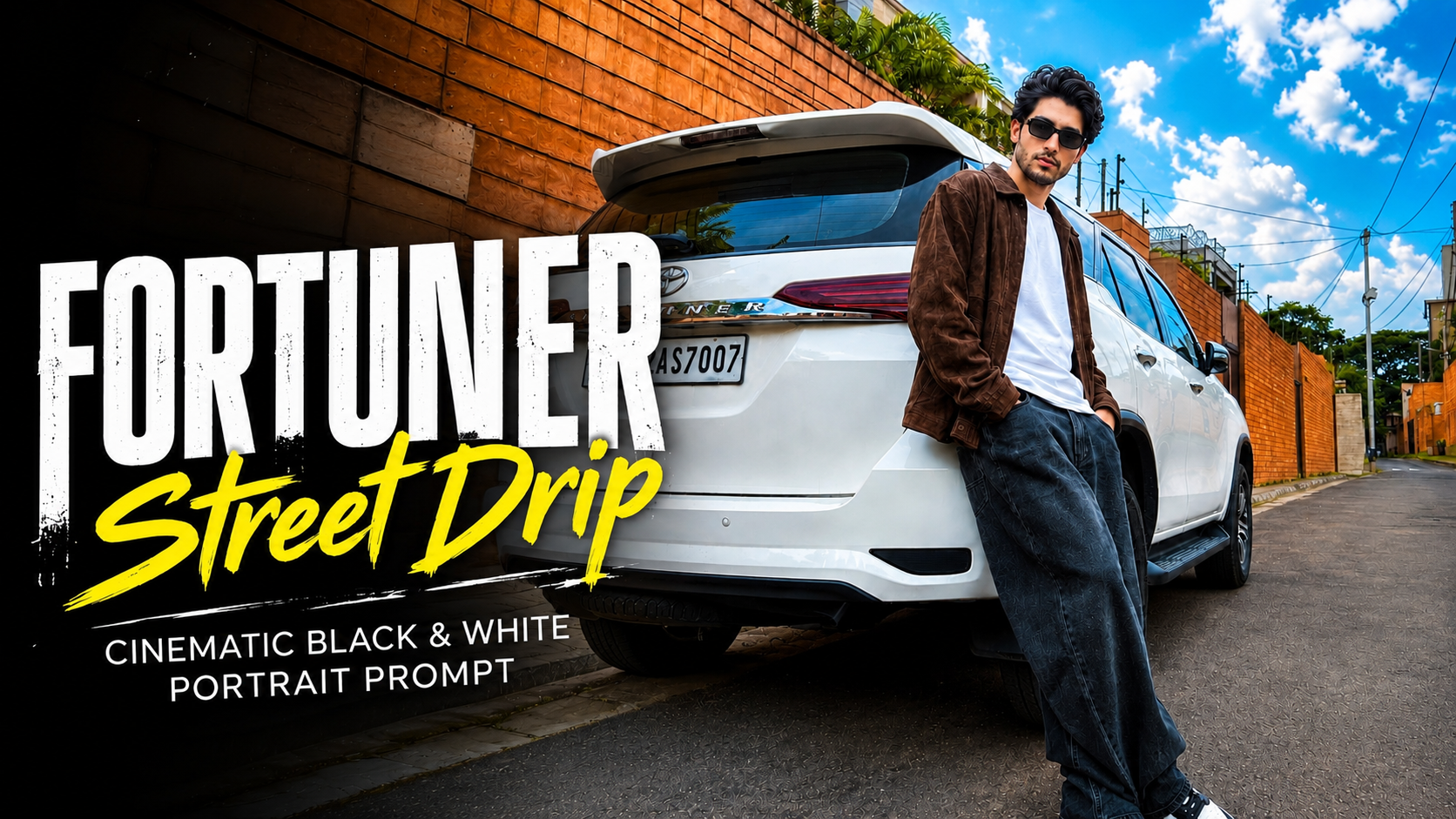
Fortuner Street Drip – Cinematic Black & White Portrait prompt

To create a cinematic image like “Fortuner Street Drip – Cinematic Black & White Portrait” using ChatGPT, follow these simple steps:

1. Open ChatGPT or any AI image generator that supports image creation.

2. Copy your detailed prompt, including subject, outfit, background, and style elements.

3. Paste the prompt into ChatGPT and make sure image generation is enabled.

4. Use strong keywords like “cinematic,” “black and white,” “ultra-realistic,” and “DSLR quality” to improve output.

5. Clearly describe the person’s pose, facial expression, and clothing for better accuracy.

6. Add environment details like “street,” “cars,” “urban background,” or “natural lighting.

”7. Include camera details such as lens type, depth of field, and lighting setup.

8. Generate the image and review the result carefully.

9. If needed, refine your prompt by adding or removing details.

10. Repeat the process until you get the perfect cinematic look.

By following these steps, you can easily create professional and stylish black-and-white portraits without needing advanced photography or editing skills.
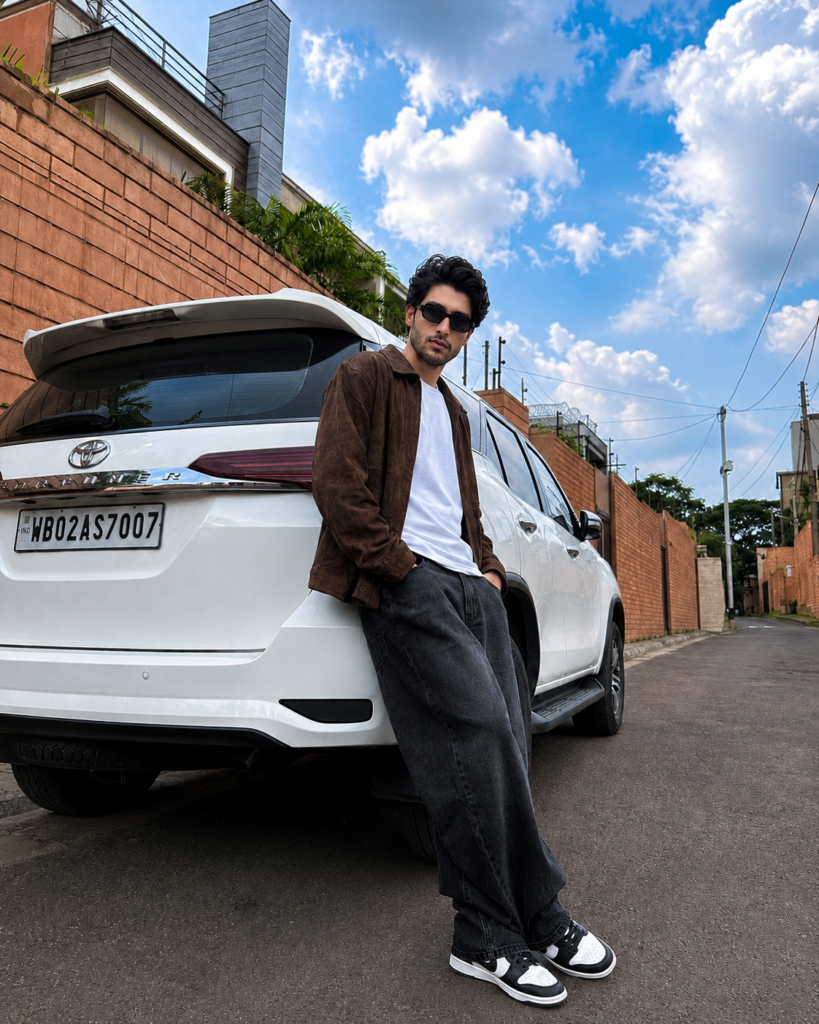
✦ AI PROMPT

Create an ultra-realistic black-and-white street fashion photograph of a young South Asian man leaning casually against the rear side of a white Toyota Fortuner parked on a quiet residential road. He is wearing oversized black wide-leg jeans, a plain white t-shirt, a dark brown suede/leather jacket, black-and-white sneakers, and black rectangular sunglasses. His pose is relaxed with one hand in his pocket and one leg crossed naturally. The background features tall brick boundary walls, modern houses, electric poles, and a dramatic cloudy sky. Capture the scene with a wide-angle iPhone camera perspective from a low angle, giving a premium Instagram aesthetic. Soft natural daylight, high contrast monochrome color grading, realistic shadows, crisp details, authentic textures, editorial fashion photography, cinematic composition, ultra-photorealistic, DSLR quality, 8K, HDR, sharp focus, no blur, natural proportions, realistic depth of field, minimalistic luxury vibe, aspect ratio 4:5.
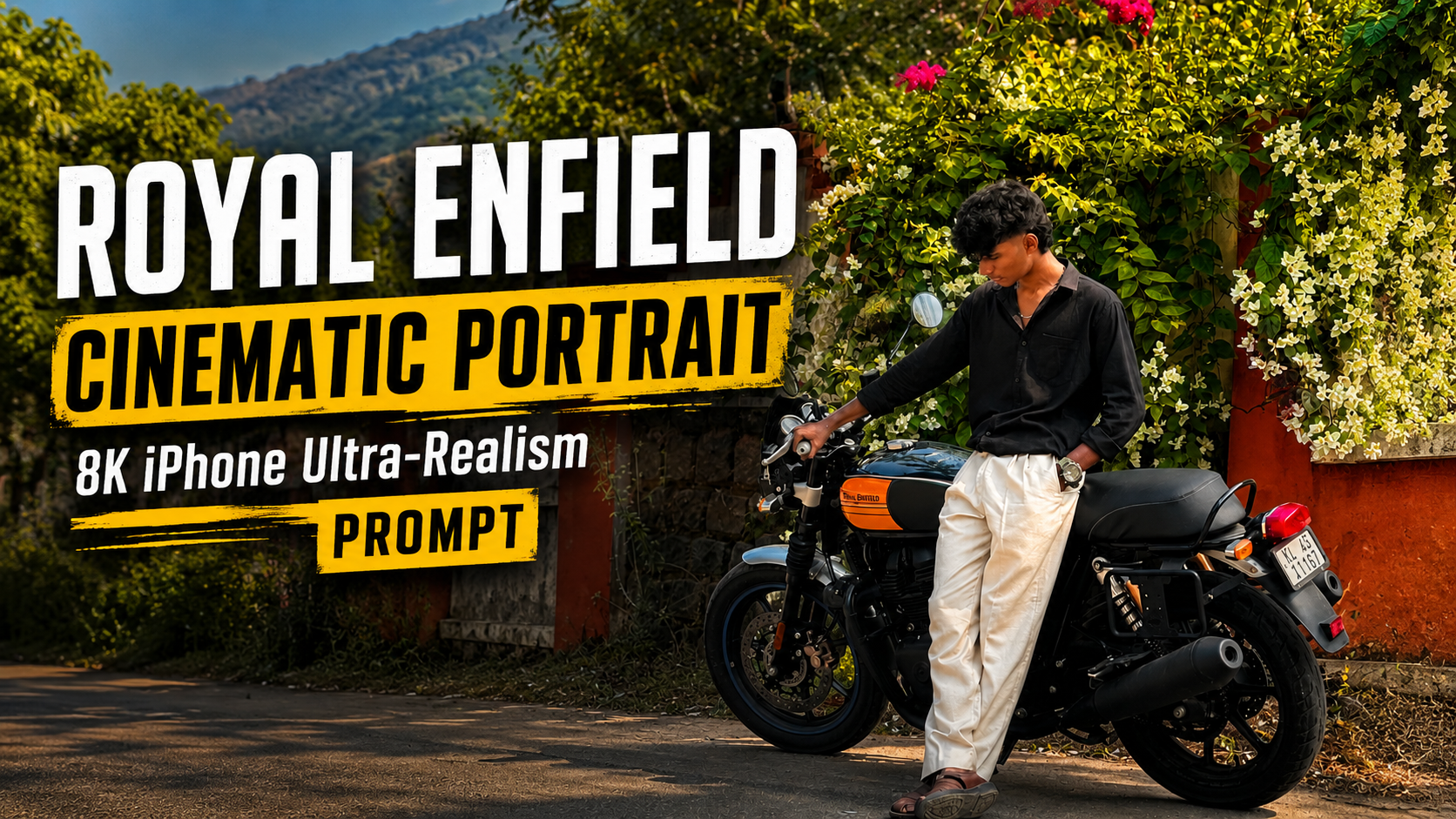
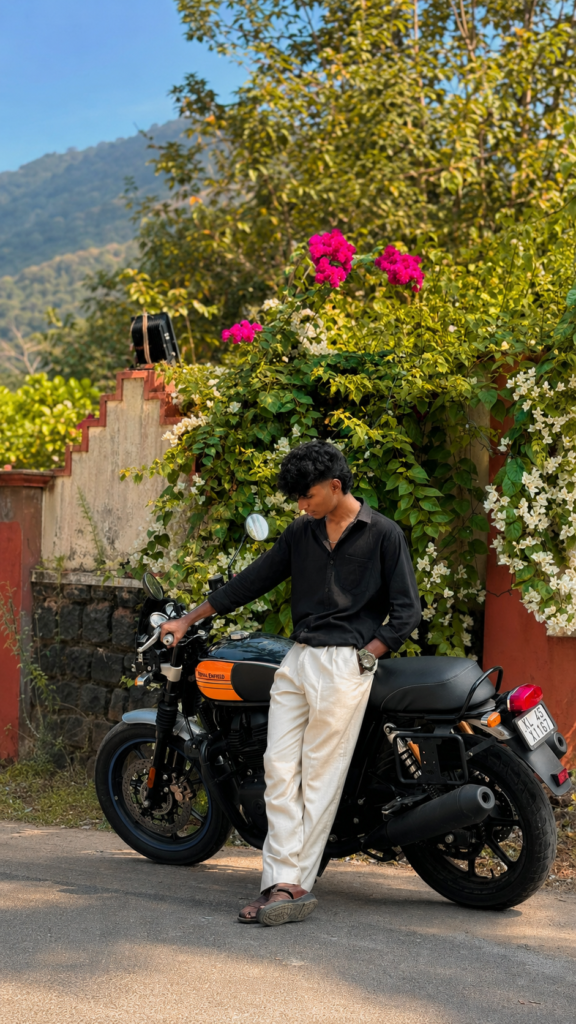

      

Royal Enfield Cinematic Portrait | 8K iPhone Ultra-Realism

✦ AI PROMPT
Use the uploaded image as the identity reference. Preserve the exact same face, hairstyle, skin tone, body proportions, pose, outfit, motorcycle, and background. Do not beautify or change the person’s identity. Transform it into an ultra-realistic photo captured on an iPhone 17 Pro Max with the 48MP Fusion Camera. Apply natural Smart HDR, true-to-life colors, realistic skin texture, sharp clothing details, and clean chrome reflections on the Royal Enfield. Keep the clear blue sky, distant mountains, and roadside scenery natural with a soft depth-of-field. Use warm late-afternoon sunlight for soft cinematic shadows and realistic lighting. Enhance clarity, dynamic range, and overall sharpness while maintaining a natural look. No AI artifacts, no extra objects, no face modification, no over-editing. Hyper-realistic, premium mobile photography, 8K quality, vertical 9:16.


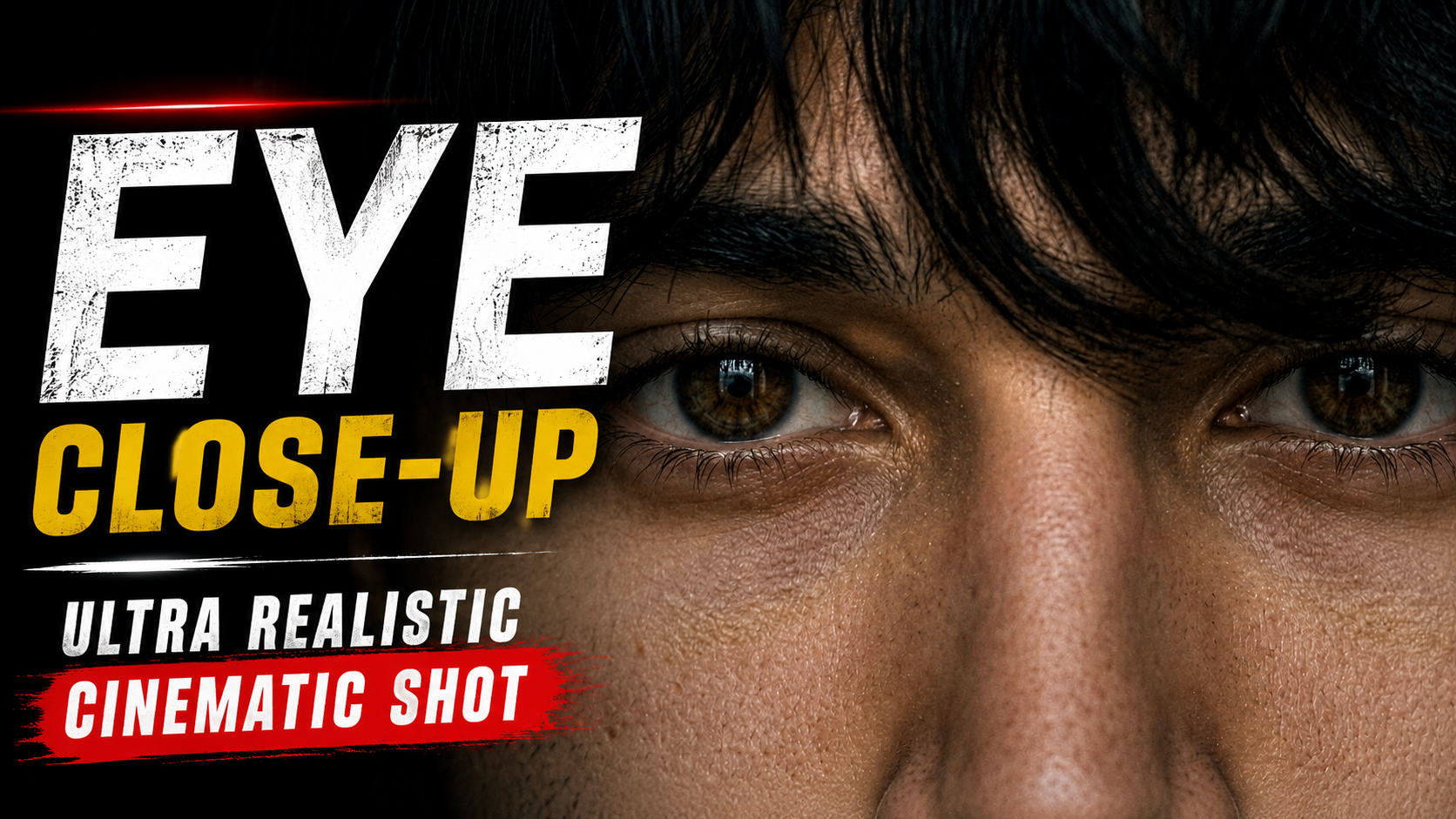
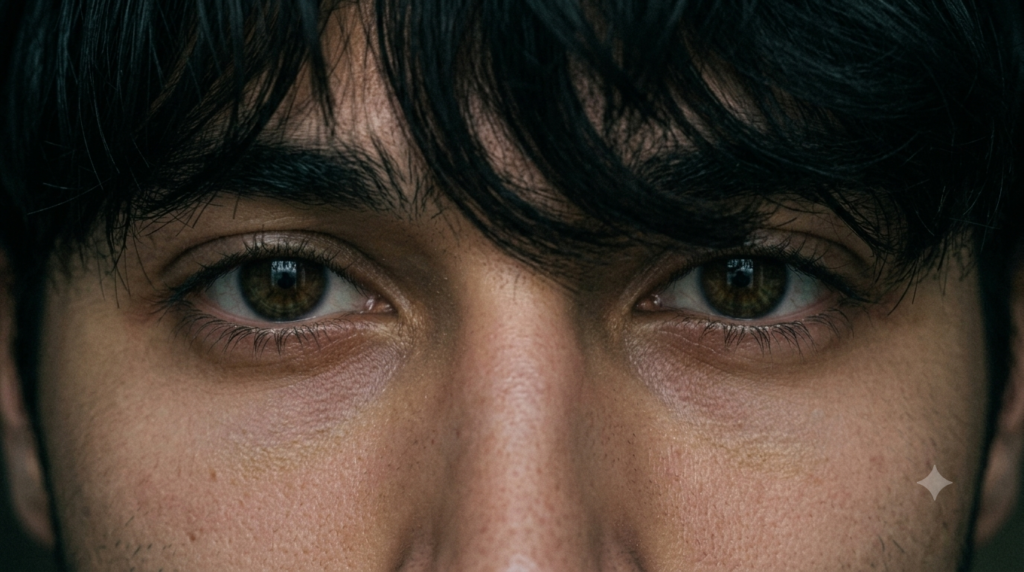
Eye Close-Up – Ultra Realistic Identity Lock Cinematic Shot Prompt

To create an “Eye Close-Up – Ultra Realistic Identity Lock Cinematic Shot” using ChatGPT, follow these steps:

1. Open ChatGPT or any AI image generator that supports advanced image creation.

2. Copy your detailed prompt focused on an eye close-up shot.

3. Paste the prompt and ensure image generation mode is active.

4. Use keywords like “ultra-realistic,” “macro lens,” “8K detail,” and “cinematic lighting.

”5. Clearly mention “identity lock” to maintain the same face and eye structure.

6. Describe eye details such as iris color, reflections, eyelashes, and skin texture.

7. Add lighting effects like soft shadows, natural highlights, or studio lighting.

8. Include camera specifications like “macro photography,” “shallow depth of field,” and “sharp focus.

”9. Generate the image and carefully review the realism and clarity.

10. If needed, refine the prompt by adjusting lighting, sharpness, or detail level.

11. Repeat the process until you achieve a perfect cinematic eye close-up.

By following these steps, you can create highly detailed and realistic eye shots that look like professional macro photography using AI tools.

✦ AI PROMPT
Use my uploaded reference photo as the ONLY identity reference. STRICT IDENTITY LOCK — preserve my exact face, eye shape, iris size, eyelids, eyelashes, eyebrows, skin tone, nose bridge, forehead, hairline, messy bangs, facial proportions, and every tiny facial detail with 100% accuracy. Do not beautify, alter, reshape, de-age, or change anything about my face.

Create an ultra-realistic, cinematic extreme close-up of only my eyes and the upper nose bridge, matching the reference composition exactly. Keep the same horizontal crop (approximately 16:9), the same framing, the same camera distance, and the same perspective. My messy black hair should naturally fall over my forehead and partially cover the eyes exactly like the reference. Maintain the same intense direct eye contact with the camera.

Lighting should be soft, moody, low-key, with subtle film grain, muted colors, realistic skin texture, natural pores, and gentle shadows. No beauty filter, no AI-looking skin, no over-sharpening, no extra contrast. The final image should feel like a real DSLR macro photograph with a premium aesthetic and authentic cinematic color grading.

Negative prompt: do not change my identity, face shape, eyes, eyebrows, hair, hairstyle, expression, skin tone, camera angle, crop, framing, lighting style, or proportions. No makeup, no smoothing, no HDR, no fantasy effects, no accessories, no text, no watermark, no blur, no artifacts. Output in the exact same landscape aspect ratio and crop as the reference image.


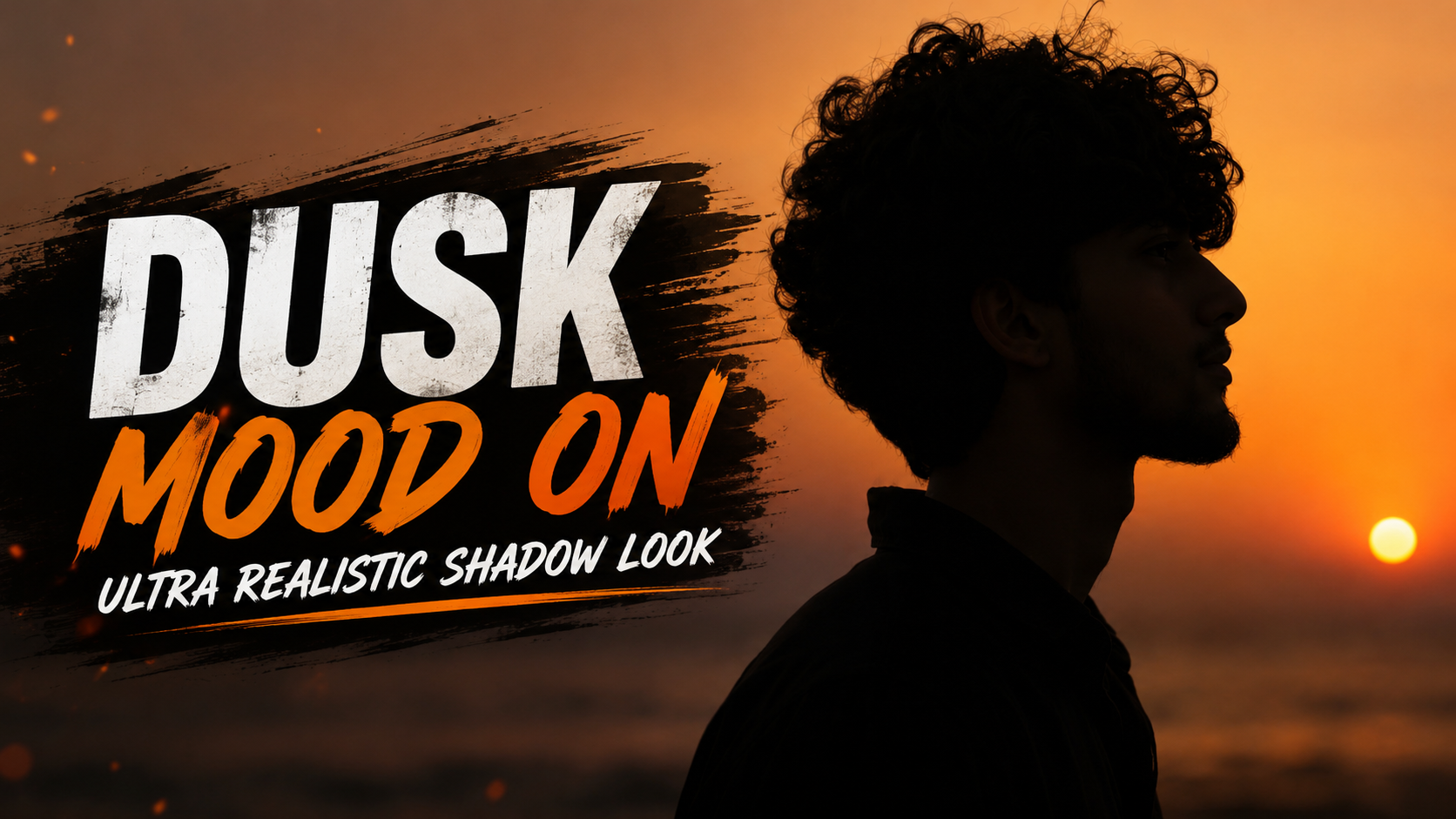
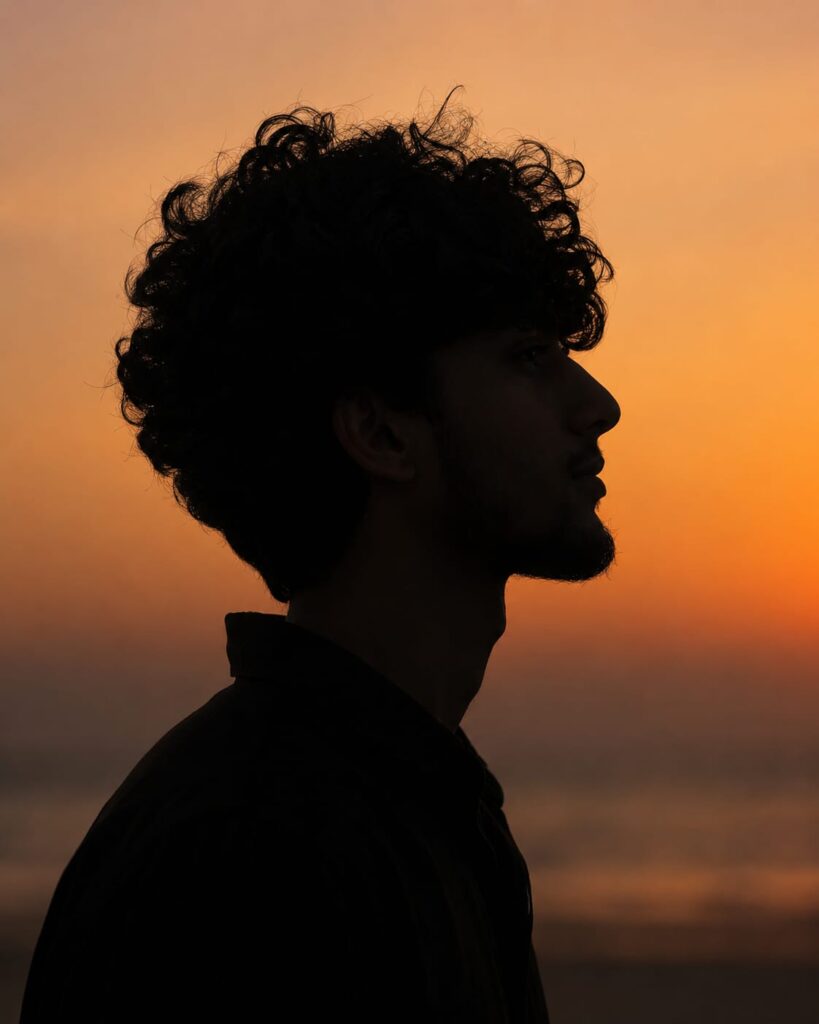
Dusk Mood On – Ultra Realistic Shadow Look

✦ AI PROMPT
Ultra-realistic cinematic silhouette portrait of a young man captured in perfect side profile during golden hour at sunset. The subject is facing to the right with a calm, contemplative expression. His face is entirely in shadow, creating a clean black silhouette against a warm amber-orange sky. He has naturally messy, medium-length wavy black hair with loose strands blowing gently in the wind, along with a well-groomed full beard and mustache. He is wearing a plain dark shirt that blends into the silhouette. The background features a smooth, minimal sunset gradient transitioning from soft golden orange to muted peach tones, with a faint, heavily blurred horizon suggesting a beach or open landscape. No visible sun, buildings, or distracting elements. The composition is centered with generous negative space around the head. Shot with a telephoto lens (85mm–135mm) at f/1.8, producing a very shallow depth of field and creamy background blur. Soft atmospheric haze, natural warm color grading, high contrast between the dark silhouette and glowing sky, subtle filmic tones, and realistic lighting. The image has a peaceful, moody, introspective aesthetic with a premium editorial photography style. Camera settings: Eye-level side profile, vertical composition (4:5), ISO 100, f/1.8, 1/1000s, warm white balance, ultra-sharp hair outline, smooth bokeh, DSLR quality, 8K resolution, highly detailed, photorealistic. Use the uploaded reference image ONLY as the facial identity reference. Preserve the person’s exact facial structure, hairstyle, beard, jawline, nose profile, and natural proportions while keeping the face completely silhouetted. Do not alter or beautify the facial features.


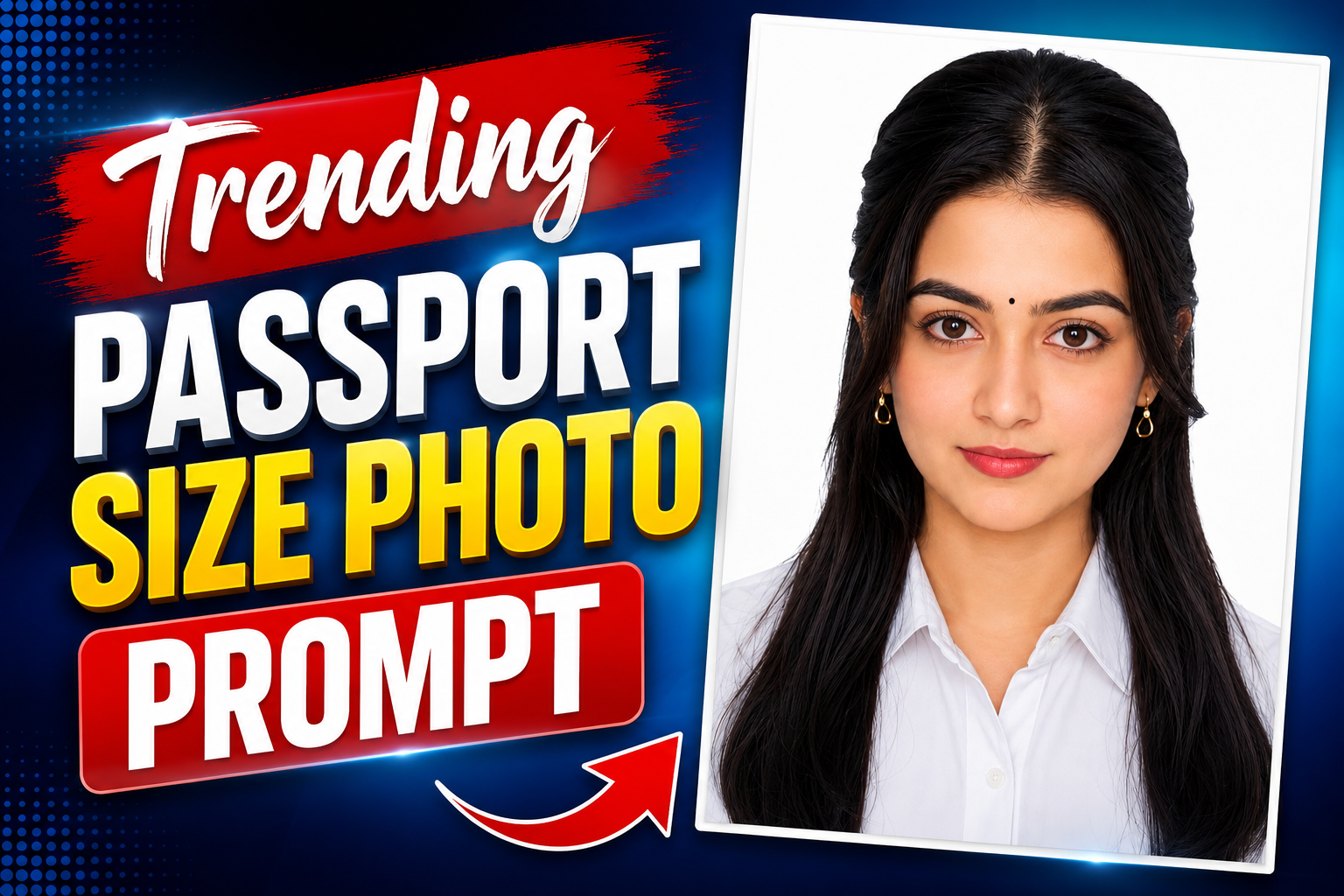
Trending Passport Size Photo Prompt 🔥

Todays Trending prompt

✦ AI PROMPT
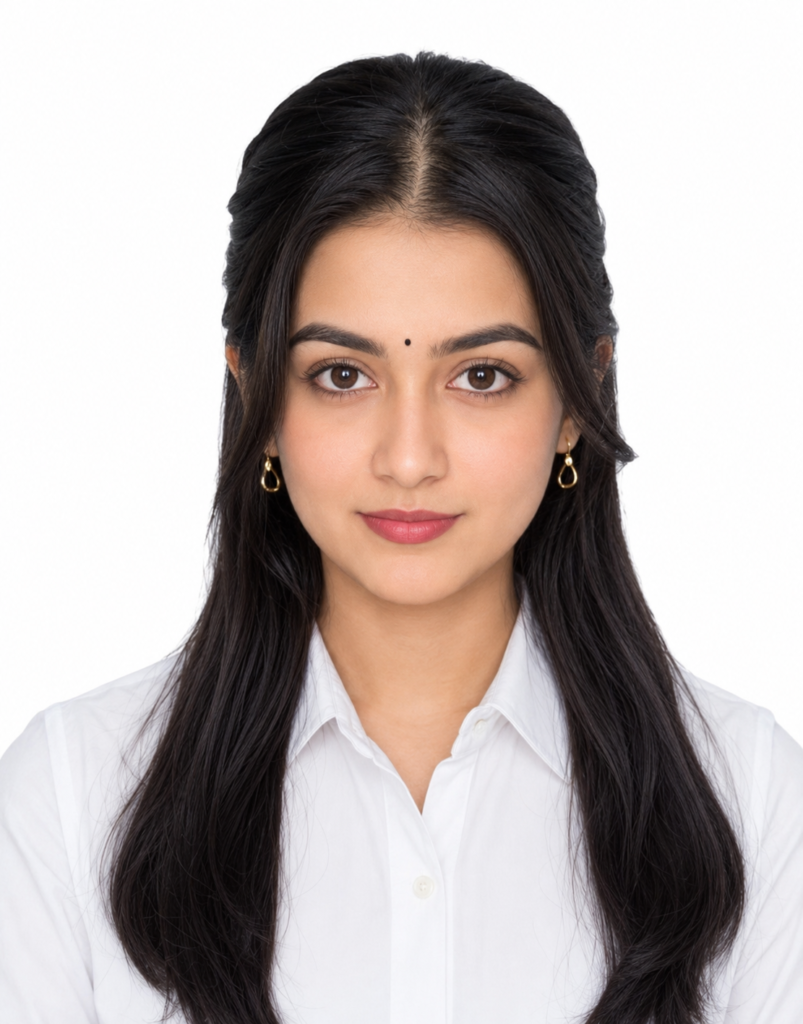
Create an ultra-realistic, high-resolution passport-size portrait of the woman from the reference image, preserving her exact face, facial structure, skin tone, proportions, eyes, nose, lips, jawline, eyebrows, and all unique facial features without any modifications. The identity must remain identical to the reference photo.

She is facing directly toward the camera with a neutral, natural expression and both eyes fully open. Her head is perfectly centered with official passport-style framing, showing the shoulders and upper chest. Maintain natural skin texture with realistic pores and soft complexion—avoid excessive beauty filters or artificial smoothing.

Style her hair with a neat center part and a clean half-tied hairstyle inspired by a professional passport portrait, with the hair tucked neatly behind the ears while the remaining length falls naturally over the shoulders. Keep the hair long, naturally straight with slight soft waves, and deep jet black.

She is wearing a crisp plain white collared shirt with no patterns or logos. Add small elegant gold teardrop earrings. Her makeup is minimal and professional: defined dark black eyebrows, subtle mascara with naturally long eyelashes, soft matte dark nude lipstick, light natural blush, and no heavy contouring or dramatic eye makeup.

Use a pure white seamless studio background with soft, even lighting from both sides to eliminate harsh shadows. Ensure balanced exposure, true-to-life skin tones, sharp focus on the eyes, and high facial detail. The image should look like it was captured using a professional DSLR camera with an 85mm portrait lens, featuring realistic depth, natural color grading, studio-quality lighting, and ultra

Generated image: Professional portrait on white background
      

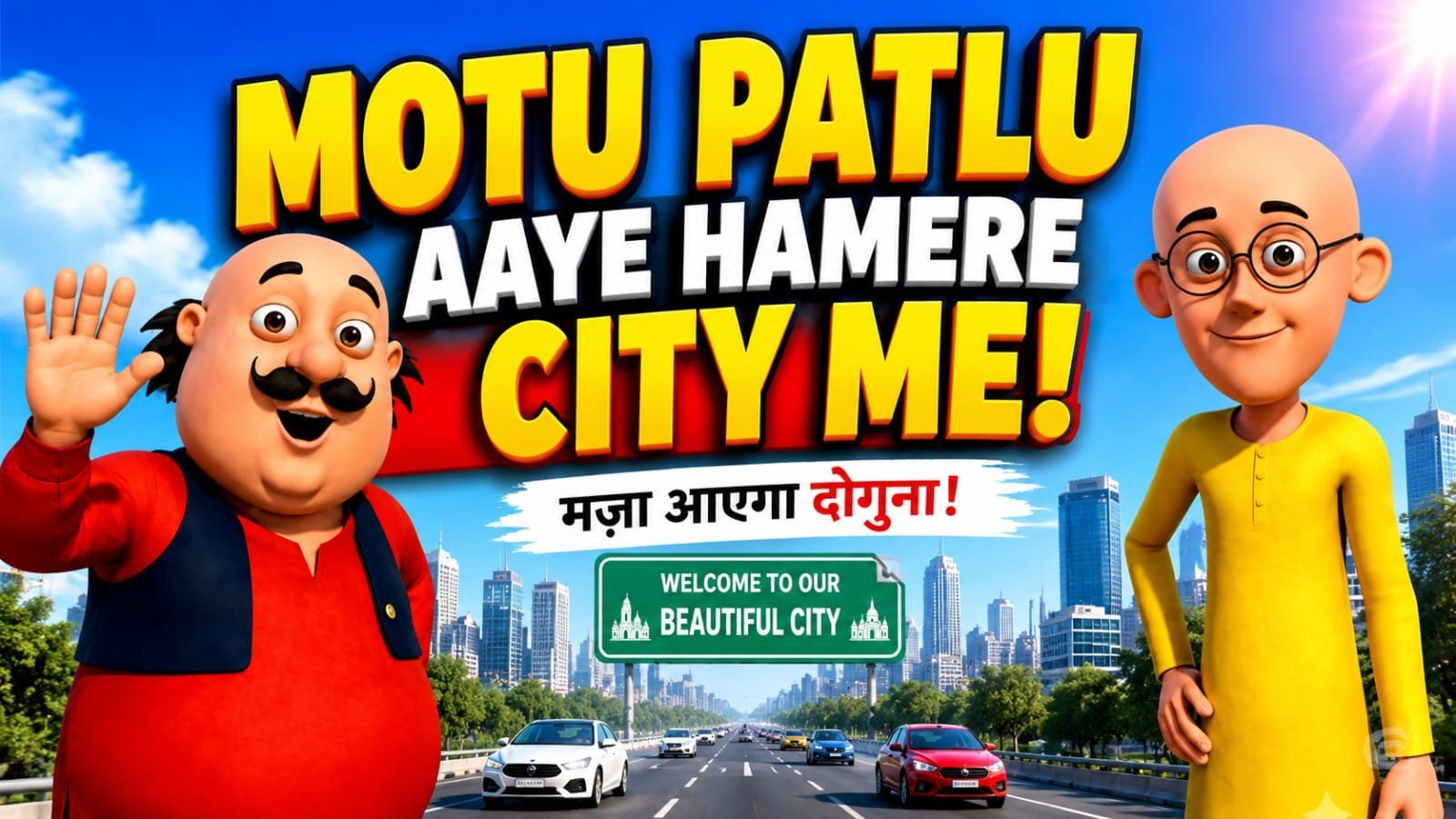
Viral Motu Patlu Invitation Video Prompt

Creating a viral Motu Patlu invitation video is now easier than ever with the help of AI prompts. Whether you’re making a birthday invitation, wedding invite, baby shower, or any special event video, a well-written prompt can help you generate amazing results in minutes.

In this article, you’ll find a powerful Viral Motu Patlu Invitation Video Prompt that is easy to use and works with popular AI image and video generation tools. You can customize it with your own event details to create a unique and engaging invitation.

If you’re a beginner or a content creator looking for creative invitation ideas, this guide is perfect for you. Simply copy the prompt, make a few changes if needed, and start creating professional-looking invitation videos that grab everyone’s attention.

Photo Prompt

✦ AI PROMPT
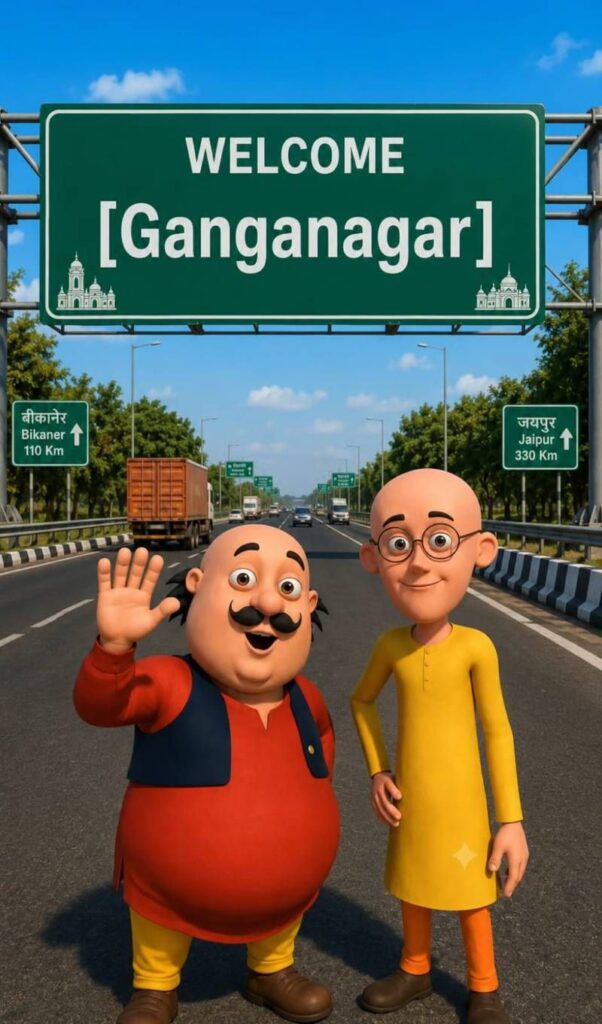
Use the uploaded image as the exact character reference. Keep the same character, face, clothes, and original art style.


Create a modern highway scene where the character stands smiling below a large green Indian highway welcome billboard. The billboard reads:


WELCOME

[Azamgarh/Uttar pardesh]


Use realistic Indian expressway details, vehicles, trees, blue sky, cinematic lighting, vibrant colors, centered composition, ultra-detailed, 8K, vertical 9:16.


Video Prompt

✦ AI PROMPT
VIDEO PROMPT :-Characters: [Motu Character 1], [Patlu Character 2],


Use the uploaded image as the exact character reference. Keep the same character(s), appearance, and original art style. Animate only the character(s) with realistic lip sync, natural facial expressions, eye blinking, head movement, and hand gestures while speaking in Hindi


[Motu Charcter 1]हैलो दोस्तो हम आ गये है उत्तर प्रदेश में Azamgarh promptseen के पास [Patlu CHARACTER 2] अब बताओ up वालों

[Motu Charcter 1] हमे आपके किस शहर या गांव में आना चाहिए [Patlu CHARACTER 2] कॉमेंट में आपने शहर या गांव का नाम अभी लिखो हो सकता है अगला वीडियो आपके शहर या गांव में हो
      

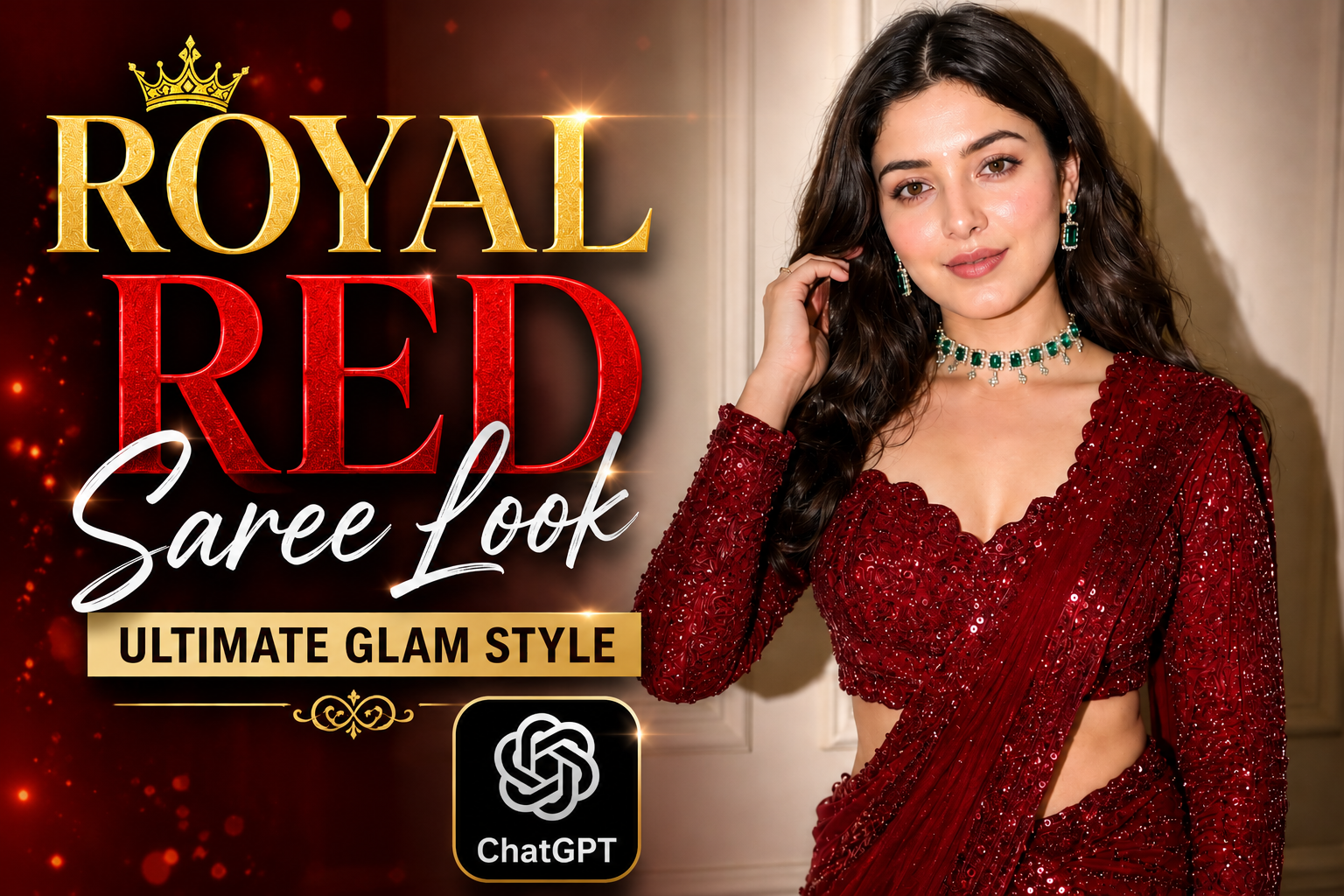
Royal Red Saree Look 🔥

Todays Trending Image

Prompt :

✦ AI PROMPT
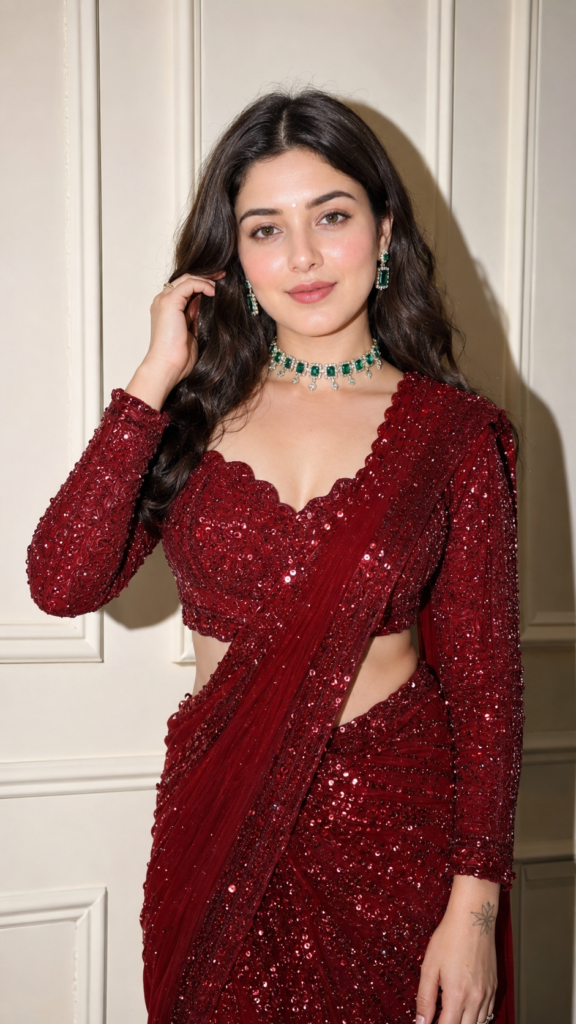
Ultra-realistic indoor fashion portrait of a beautiful young woman wearing a luxurious deep red sequined saree with a matching full-sleeve embellished blouse featuring a sweetheart neckline. She accessorizes with an emerald green choker necklace, matching earrings, and minimal makeup with glowing skin, soft blush, defined brows, subtle eyeliner, and nude pink lips. Her long dark hair is center-parted with soft natural waves. She stands against a clean off-white paneled wall, posing with one hand in her hair and the other relaxed by her side, looking directly at the camera with a gentle smile. Captured using direct flash photography, sharp focus, realistic fabric textures, natural skin details, cinematic color grading, Canon EOS R5, 85mm lens, f/1.8, HDR, ultra-realistic, 8K editorial fashion photography.

Upar jo maine photo diya hai aur uske sath maine uska promot bhi liya hai theek hai to isko kya karna hai tumko is photo ke liye mujhe chahie ek thumbnail banana hai uske liye ek title usmein likha hona chahie thumbnail ke andar to is from ko analyse karo ismein se thumbnail ke liye ek title nikal kar do


Today’s Trending AI Prompt

Prompt Title

Gemini And Chatgpt Trending Prompt

Best For

SEO Blogging

Content Creation

YouTube Scripts

Digital Marketing

Business Growth

Social Media Posts

Prompt

✦ AI PROMPT
Use the uploaded reference image as the identity reference. Preserve the face, eye shape, skin tone, hairstyle, and facial features 100% exactly.

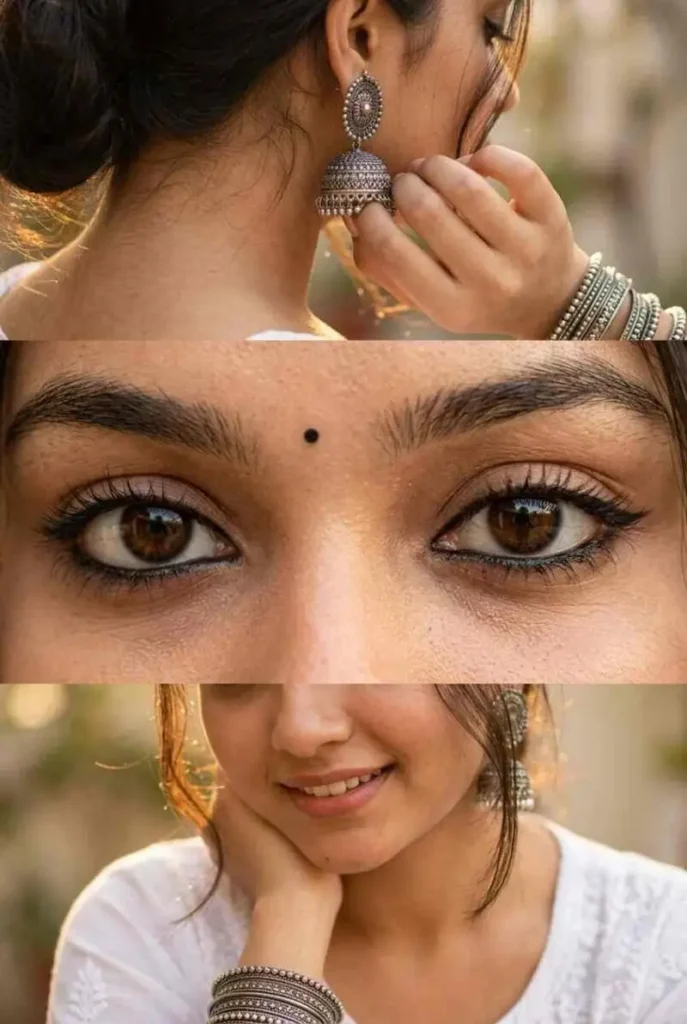
Create a premium vertical 3-panel collage.

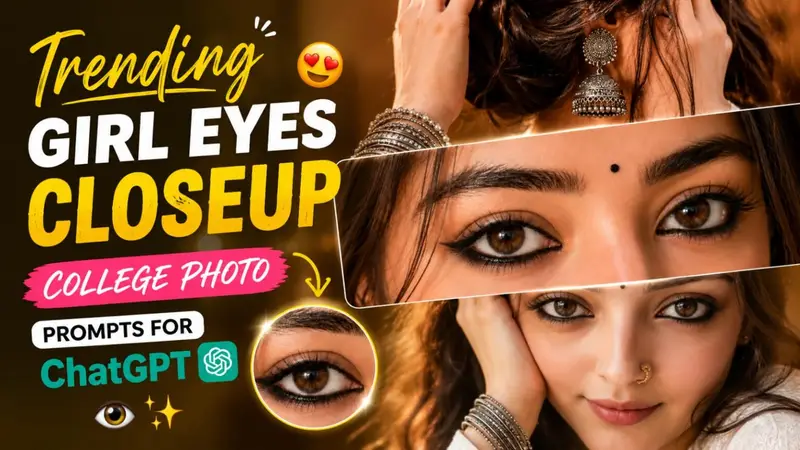
Top panel: Close-up from behind/right side with the face mostly hidden (only a tiny cheek or jawline visible), focus on a large oxidized silver jhumka, hand gently touching the ear, stacked oxidized silver bangles, soft black kajal barely visible, loose hair strands, warm golden sunlight, creamy bokeh, shallow depth of field.

Middle panel (main focus): Ultra-realistic extreme macro close-up of both eyes with bold black kajal, subtle winged eyeliner, long natural eyelashes, thick eyebrows, glossy deep brown eyes, crystal-clear catchlights, tiny black bindi, flawless skin texture, DSLR macro photography.

Bottom panel: Lower half of the face with a soft smile, white embroidered cotton kurta, wrist resting near the face displaying oxidized silver bangles, loose hair strands, warm golden-hour lighting, soft creamy bokeh.

Photorealistic, luxury fashion editorial, Canon EOS R5, 85mm lens, f/1.8, HDR, ultra-detailed skin texture, realistic lighting, premium Instagram aesthetic, clean 3-panel layout, 8K, ultra-sharp.