
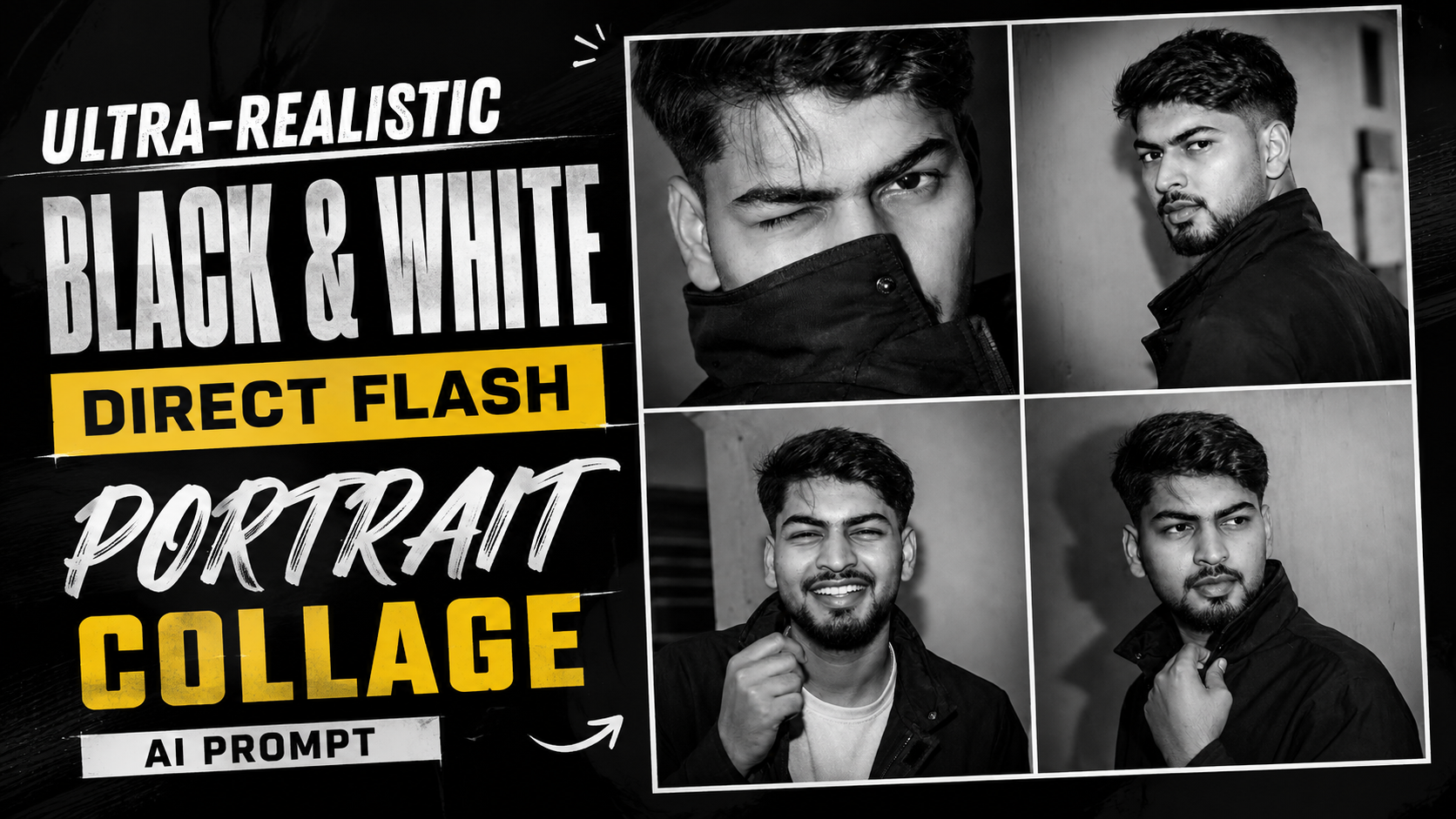
How to Use the Ultra-Realistic Black & White Direct Flash Portrait Collage AI Prompt
1. Choose an AI Image GeneratorStart by using an AI image generator that supports reference images, such as ChatGPT Images, Google Gemini, Midjourney (where supported), or another compatible AI platform
.2. Upload Your Reference PhotoUpload a clear, high-resolution photo of yourself. Make sure your face is fully visible and well-lit so the AI can accurately recognize your facial features and hairstyle.
3. Copy and Paste the PromptPaste the complete prompt into the AI tool without removing any important instructions. The detailed prompt tells the AI exactly how to recreate the collage while preserving your identity.
4. Preserve Your IdentityKeep the instruction “Preserve my face and hairstyle exactly” in the prompt. This helps the AI maintain your facial identity, hairstyle, and overall appearance as closely as possible.
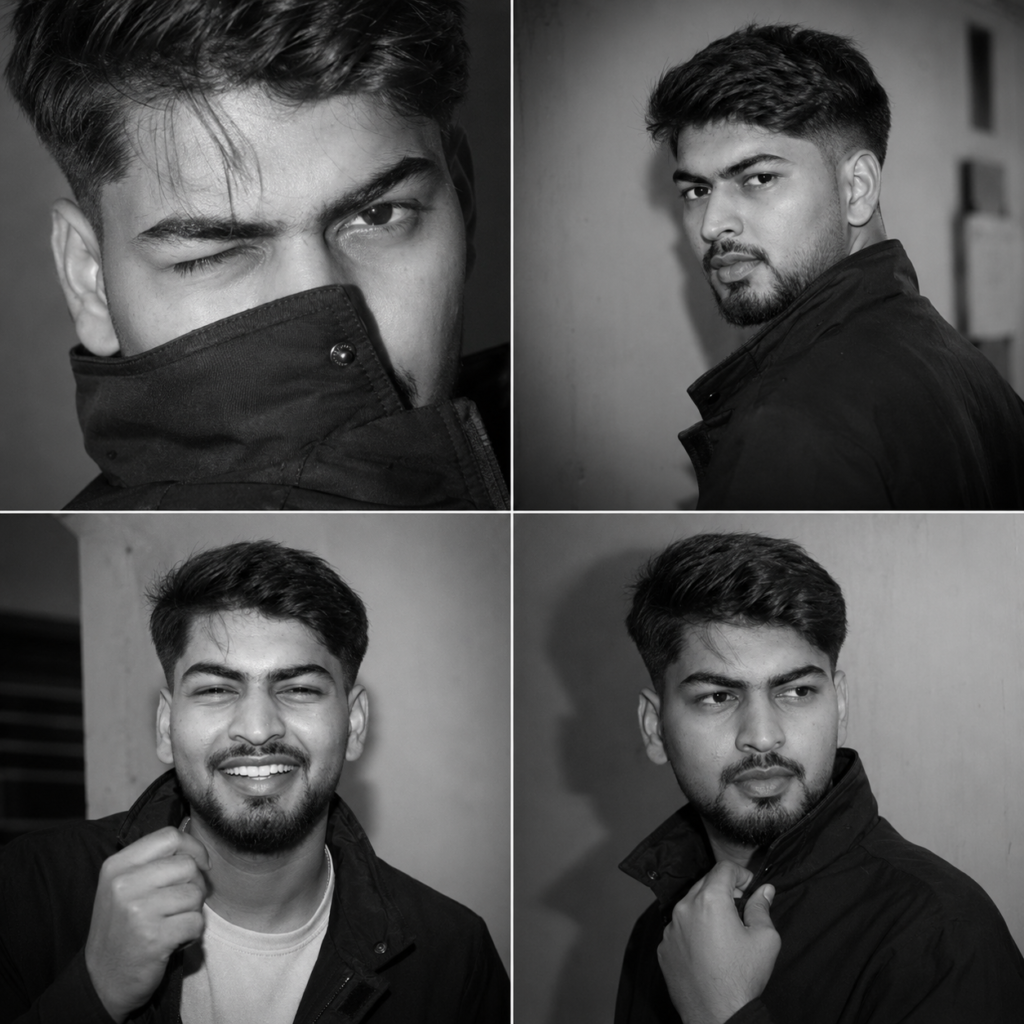
5. Generate the 2×2 CollageRun the prompt to create a 2×2 collage featuring four black-and-white direct-flash portraits. Each frame will display a unique pose and expression, including a playful wink, profile view, smiling portrait, and off-camera look.
6. Review the ResultsCarefully examine the generated collage. If any portrait doesn’t accurately match your appearance or the requested pose, regenerate the image using the same prompt or make small adjustments if needed
.7. Download the Final ImageOnce you’re satisfied with the result, save the collage in the highest available resolution. It can be used for social media, creative portfolios, profile pictures, or personal projects
.8. Tips for Better Results- Use a sharp, high-quality reference photo.- Keep the complete prompt unchanged.- Make sure your face is clearly visible with good lighting.- Generate multiple versions to find the best result.- High-resolution reference images usually produce more realistic and consistent portraits.
Use my uploaded photo as the

identity reference. Preserve my face

and hairstyle exactly

Create a 2x2 collage of four spontaneous direct-flash

portraits .Top left: extreme close-up, playful wink, jacket collar covering part of the mouth, loose strands of hair across the face.

Image Collage

A2 Itimes 2 grid containing four black-and-white portraits of a man • Top Left: Close-up of his winking

with the jacket collar pulled up over her mouth.

• Top Right: Profile view looking over his shoulder toward the camera.

•Bottom Left: Smiling and laughing while holding.

•Bottom Right: Looking slightly

off-camera while holding his collar.


Prompt: