
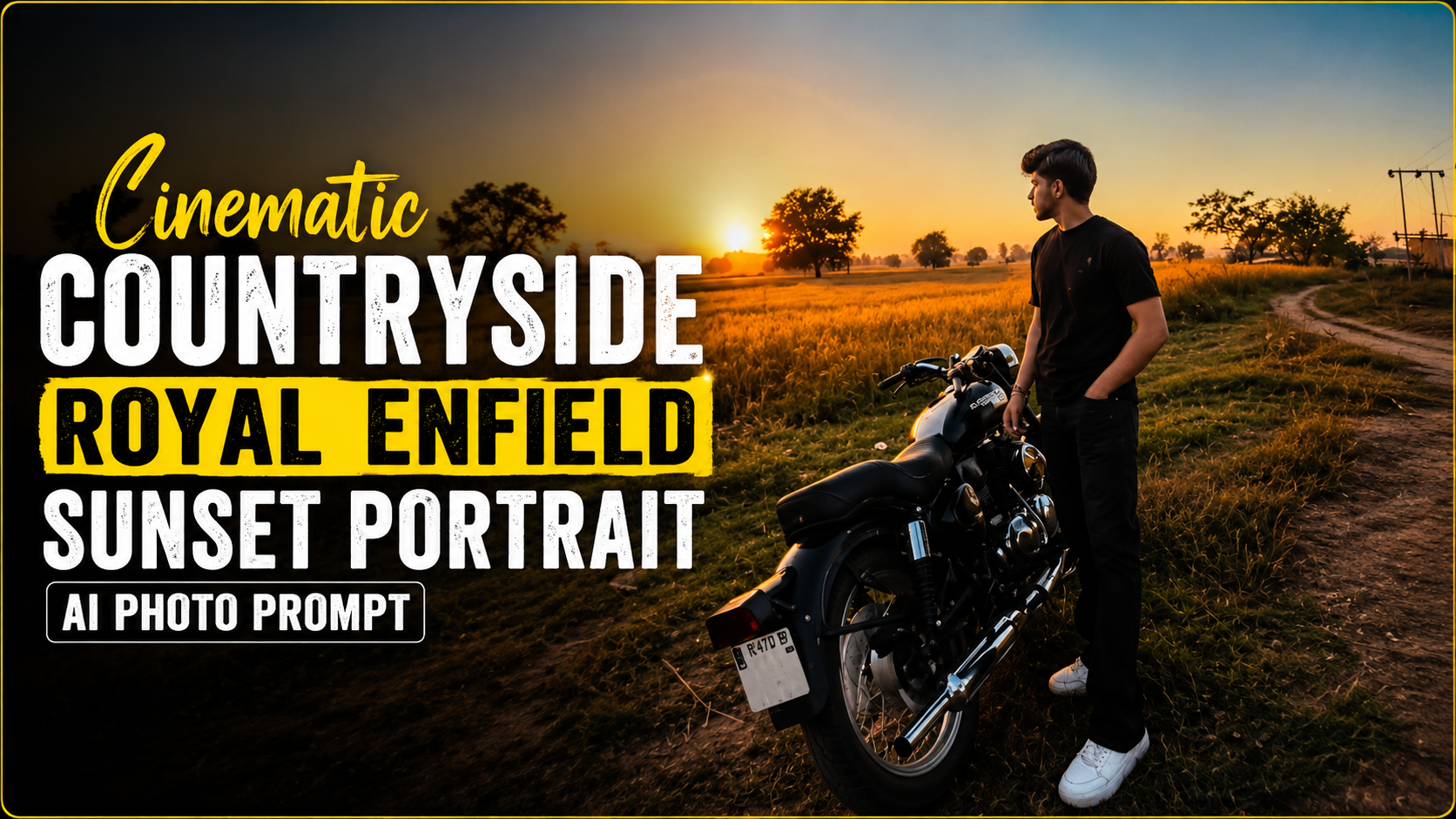
How to Use the Ultra-Realistic Cinematic Countryside Royal Enfield Sunset Portrait AI Prompt
1. Upload Your PhotoStart by uploading a clear, high-resolution image of yourself standing beside your Royal Enfield motorcycle. Make sure your face, outfit, and bike are clearly visible for the best results
.2. Copy and Paste the PromptCopy the entire AI prompt exactly as provided and paste it into your preferred AI image generation tool. Avoid removing important details, as each line helps the AI create a realistic result
.3. Keep the Reference ImageThe prompt is designed to use your uploaded image as the only reference. This helps preserve your facial identity, hairstyle, beard, skin tone, clothing, body proportions, and motorcycle without unwanted changes.
4. Maintain the Original CompositionThe AI should keep the same pose and framing as the original image. The subject should remain standing beside the motorcycle with one hand in the pocket while looking toward the sunset.
5. Let the AI Create the New EnvironmentAlthough the pose remains unchanged, the background will transform into a peaceful countryside with golden crop fields, trees, a dirt road, utility poles, and a beautiful sunset sky
.6. Focus on RealismThe prompt includes HDR lighting, cinematic color grading, realistic reflections, detailed textures, and natural skin tones to produce a premium outdoor portrait.
7. Use High-Quality SettingsSelect the highest available image quality, such as HD or 4K/8K, to capture fine details and achieve a magazine-quality result.
8. Don’t Remove the Negative PromptThe negative prompt prevents common AI mistakes like distorted faces, blurry images, cartoon effects, duplicate people, watermarks, and unrealistic lighting.
9. Generate and RefineIf needed, regenerate the image once or twice while keeping the same prompt. Minor variations can improve lighting, sharpness, and overall realism
.10. Save and ShareOnce you’re satisfied with the final portrait, download the highest-resolution version. It’s perfect for Instagram, YouTube thumbnails, wallpapers, or professional social media posts thanks to its cinematic and ultra-realistic look.
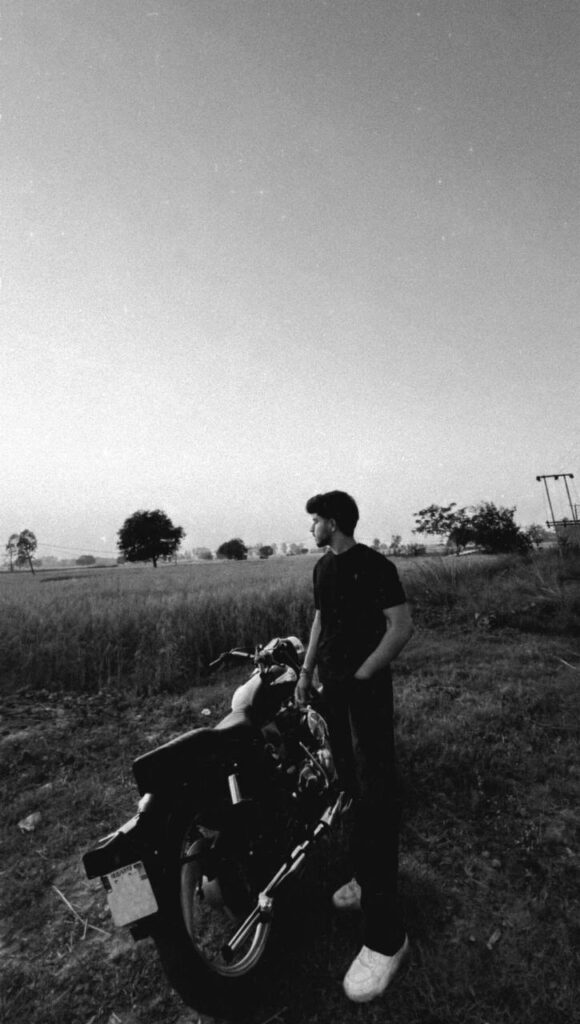
Create an ultra-realistic cinematic countryside portrait using the uploaded image as the only reference. Preserve the subject’s facial identity 100% exactly—do not alter the face shape, hairstyle, beard, skin tone, expression, body proportions, pose, gaze direction, clothing (plain black oversized T-shirt, black pants, white sneakers), or the black Royal Enfield motorcycle. Keep the composition identical, with the subject standing beside the motorcycle, one hand in the pocket while looking toward the sunset.

The location is a peaceful rural landscape with golden crop fields stretching into the distance, scattered trees, a narrow dirt road, utility poles, and a clear evening sky transitioning from warm orange near the horizon to soft blue overhead. Capture the warm golden-hour sunlight illuminating the scene naturally, with realistic long shadows, soft rim lighting around the subject, and subtle atmospheric haze.

Enhance the image with premium cinematic color grading, HDR lighting, realistic reflections on the motorcycle’s chrome parts, crisp textures, natural skin tones, and ultra-detailed grass, soil, and crop fields. Maintain a wide-angle perspective (24–28mm), low camera angle, magazine-quality outdoor lifestyle photography, shallow depth of field with soft background separation, and true-to-life proportions.

Style: Ultra-photorealistic, DSLR quality, cinematic travel editorial, natural colors, high dynamic range, 8K, sharp focus, realistic lighting, premium outdoor portrait, clean composition, no artificial effects.

Negative Prompt: cartoon, anime, CGI, painting, illustration, low quality, blurry, oversharpened, noisy, unrealistic lighting, distorted face, altered identity, extra limbs, duplicate person, cropped body, watermark, text, logo.


Prompt: