
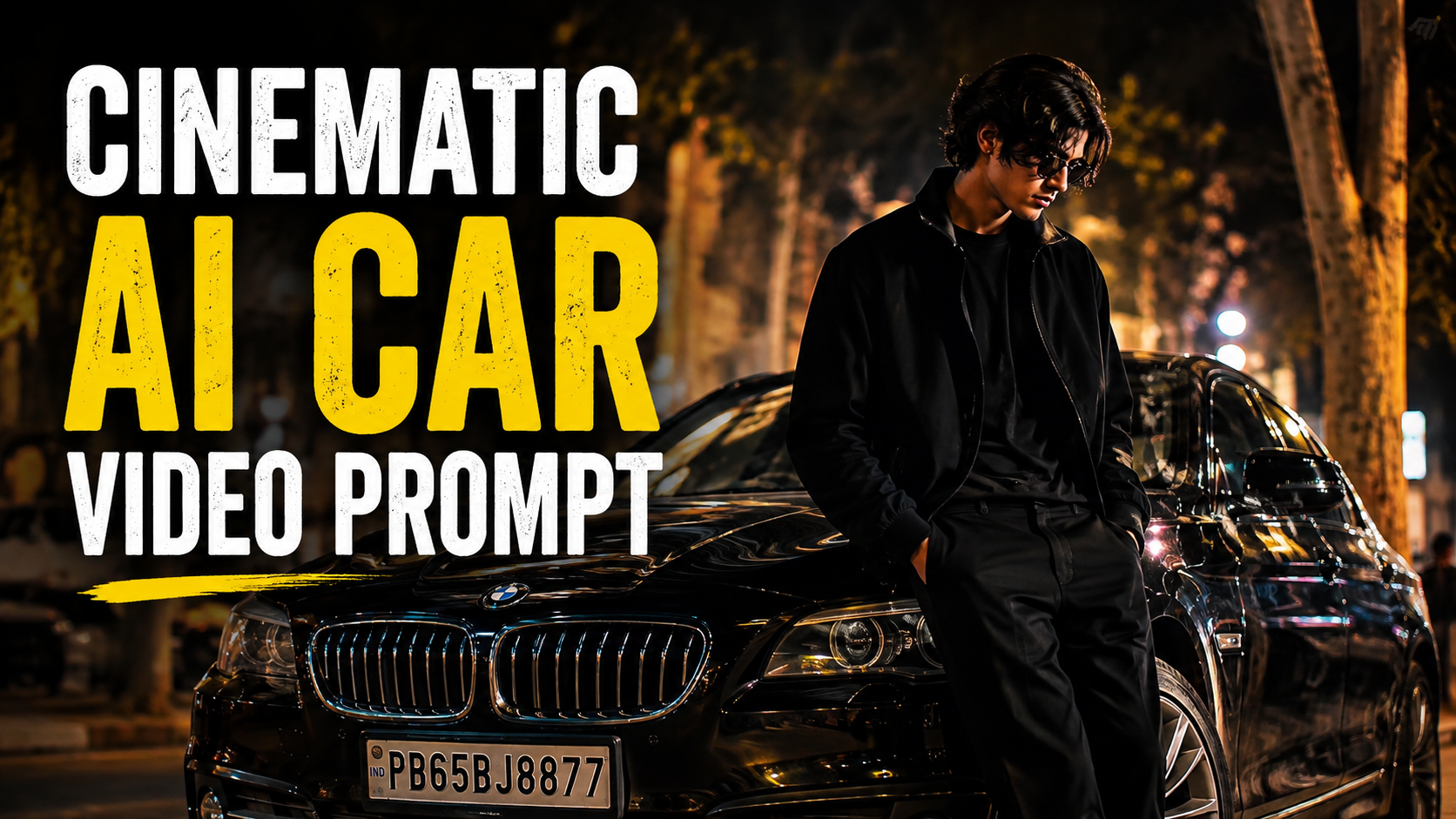
How to Use the AI Car Video Prompt (Step by Step)
1. Open Google Flow or Gemini and click on Create Video.
2. Upload your face photo and your white BMW image as reference files.
3. Before pasting any scene prompt, always paste the Face Lock Prompt at the very top. This ensures your face remains exactly the same throughout every scene.
4. Copy and paste the video prompt scene by scene. For the best results, paste only 3 scenes at a time (for example, Scene 1, Scene 2, and Scene 3).
5. Generate the video for those scenes first. After that, copy and paste the next 3 scenes and repeat the same process until all scenes are completed
.6. Every time you generate a new part of the video, make sure to paste the Face Lock Prompt again before the scene prompts.
7. At the very end, always paste the Quality Prompt: Ultra realistic, natural human motion, realistic facial expressions, no AI look, no face distortion, no identity change, no extra fingers, no flickering, no cartoon style.
8. Following these steps in the correct order will help you create a smooth, cinematic, and highly realistic AI video while keeping your face and the BMW perfectly consistent across every scene.
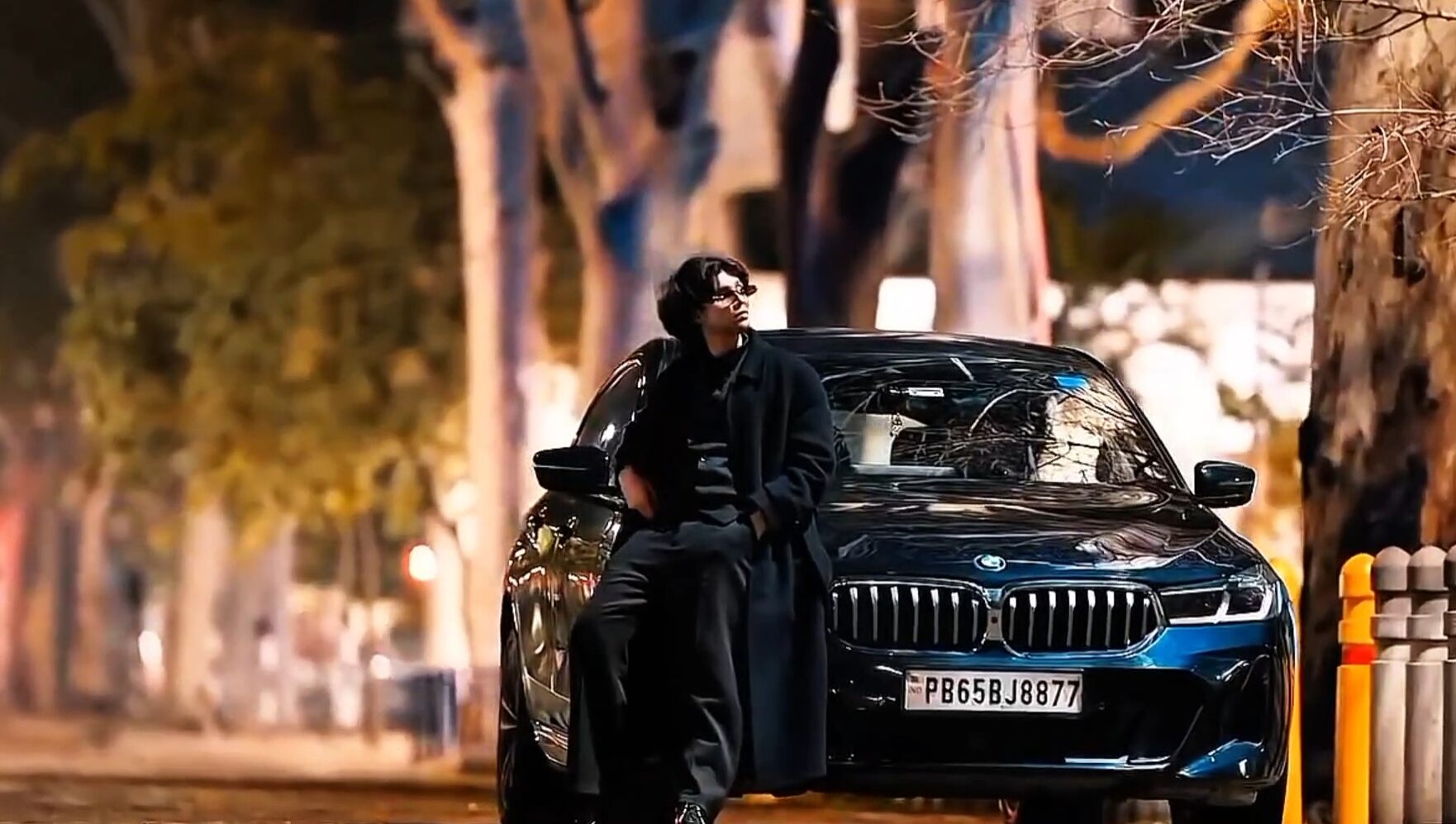
🎬 SCENE 1 – Hero Entry (5s)
Use my uploaded face image and my uploaded white BMW as reference. Keep my face,
hairstyle, beard, skin tone, body proportions, and the BMW exactly the same.
A quiet luxury street at night with warm street lights and large trees. My white BMW is parked
facing the camera. I walk slowly toward the front of the BMW wearing an all-black outfit, white
sneakers, and dark sunglasses. I stop beside the front bumper with both hands in my pockets
and look down confidently. The camera slowly pushes in from a low angle with subtle
handheld movement. Strong cinematic bokeh, realistic reflections on the BMW, Sony FX3,
85mm lens, 24fps, premium luxury automotive commercial.
🎬 SCENE 2 – Bonnet Pose + Hair (5s)
Use the same face and the same white BMW. I sit naturally on the front bonnet of the BMW. My body is relaxed. I slowly run one hand
through my hair while looking down, then slowly look toward the camera with a calm confident
expression. Very natural movement, no overacting. Static camera with a slow cinematic
push-in. Warm street lights, realistic reflections, creamy background bokeh, Sony FX3, shallow
depth of field, luxury commercial.
🎬 SCENE 3 – Door Open + Exit (5s)
Use the same face and the same white BMW.
I open the driver's door naturally and step out slowly. I gently close the door and adjust my
black shirt sleeve while standing beside the car. The camera follows with a slow side tracking
movement. Realistic walking, natural cloth movement, soft street lights, cinematic night
atmosphere, premium automotive advertisement, Sony FX3, 85mm lens.
🎬 SCENE 4 – Driving Interior (5s)
Use the same face and the same white BMW.
Interior night shot from the passenger seat. My left hand is on the steering wheel while I drive
calmly through a city street at night. Street lights reflect across the dashboard and windshield.
I glance at the road with a confident expression. Natural steering movement, realistic
dashboard lighting, shallow depth of field, cinematic handheld camera, Sony FX3, luxury
commercial.
🎬 SCENE 5 – Driving Exterior (5s)
Use the same face and the same white BMW.
The white BMW drives slowly along a quiet tree-lined road at night. The camera tracks beside
the moving car with smooth cinematic motion. Warm street lights reflect beautifully on the
glossy paint. I am visible through the driver's window. Authentic road movement, realistic
wheel rotation, premium automotive commercial, Sony FX3, 85mm lens.
🎬 SCENE 6 – Final Hero Shot (5s)
Use the same face and the same white BMW.
The BMW stops under warm street lights. I step out, lean casually against the front fender with
folded arms, and look directly into the camera with a calm, confident expression. The camera
slowly pulls back into a wide hero shot. Strong cinematic bokeh, natural night lighting,
realistic reflections, luxury BMW commercial, Sony FX3, 24fps.