
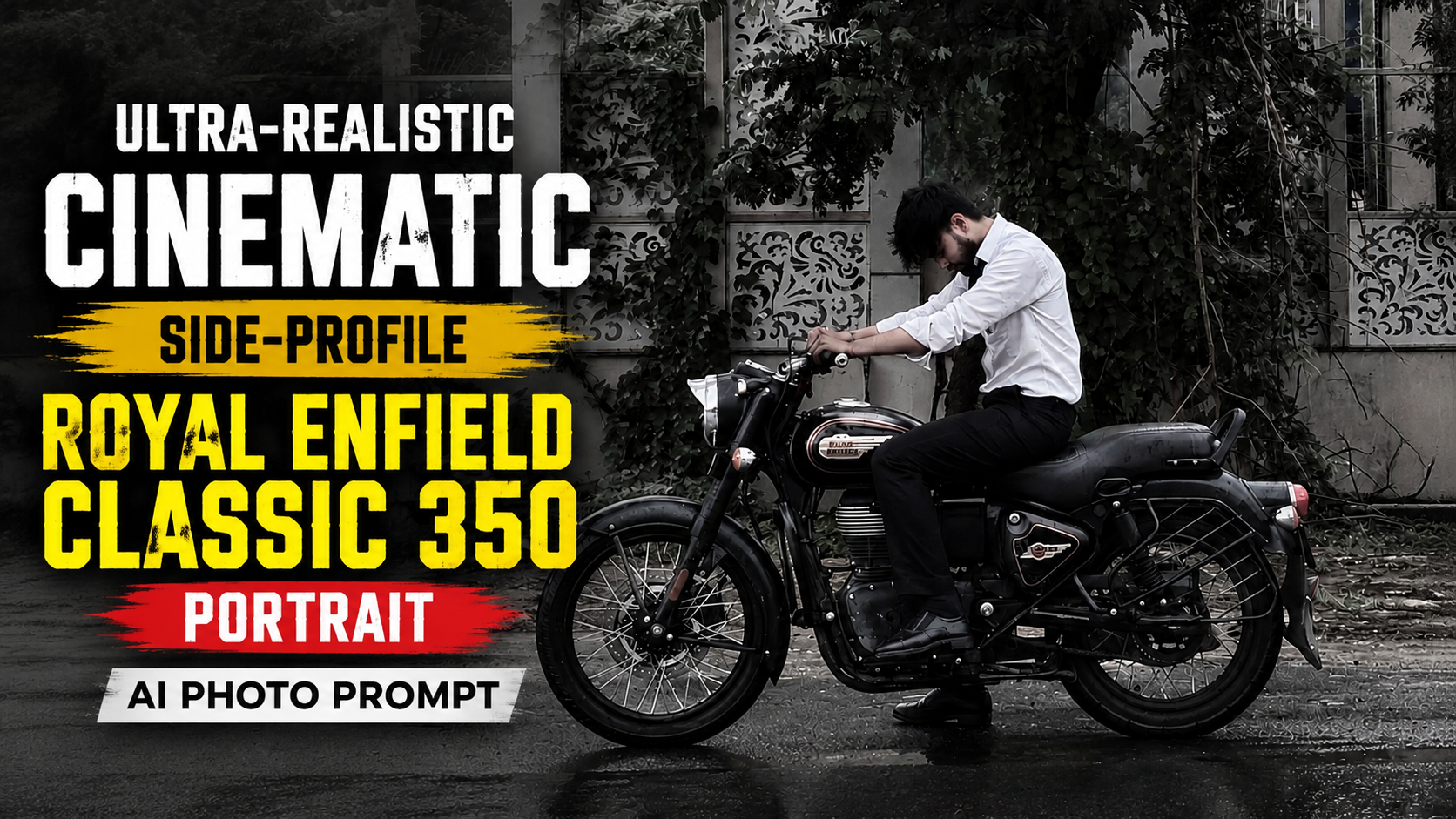
How to Use This Ultra-Realistic Cinematic Royal Enfield AI Photo Prompt
1. Choose the Right AI Image GeneratorUse this prompt in AI image generators that support detailed prompts, such as ChatGPT Images, Google Gemini, Midjourney, Flux, or other advanced AI image models.
2. Copy the Entire PromptCopy the complete positive prompt exactly as written. Every detail, including clothing, lighting, camera settings, background, and mood, helps the AI create a more realistic image
.3. Add the Negative PromptPaste the Negative Prompt into the model’s dedicated Negative Prompt section. If your AI tool doesn’t support negative prompts, simply omit it.
4. Upload a Reference Photo (Optional)If you want the generated person to look like you, upload a clear front-facing photo and enable identity or character reference features if your AI platform provides them
.5. Use the Correct Aspect RatioFor YouTube Shorts, Instagram Reels, and TikTok, select 9:16. For Instagram posts, choose 4:5. For YouTube thumbnails, use 16:9.
6. Select High-Quality SettingsChoose the highest available quality, such as HD, Ultra HD, or 8K. Higher-quality settings usually produce sharper details and more realistic textures
.7. Generate Multiple VersionsCreate at least 3–5 variations. AI-generated images often improve after a few attempts, allowing you to pick the best composition and lighting.
8. Make Small AdjustmentsIf needed, change only one or two details at a time, such as the head angle, facial expression, lighting, or camera distance. Avoid changing the entire prompt unless necessary.
9. Review the Final ImageCheck the face, hands, motorcycle, clothing, and background carefully. If something looks incorrect, regenerate or use the AI editor to fix only that area
.10. Export and ShareDownload the highest-resolution image and use it for social media, wallpapers, posters, or YouTube thumbnails. For the best visual quality, avoid excessive compression while saving or uploading the image.
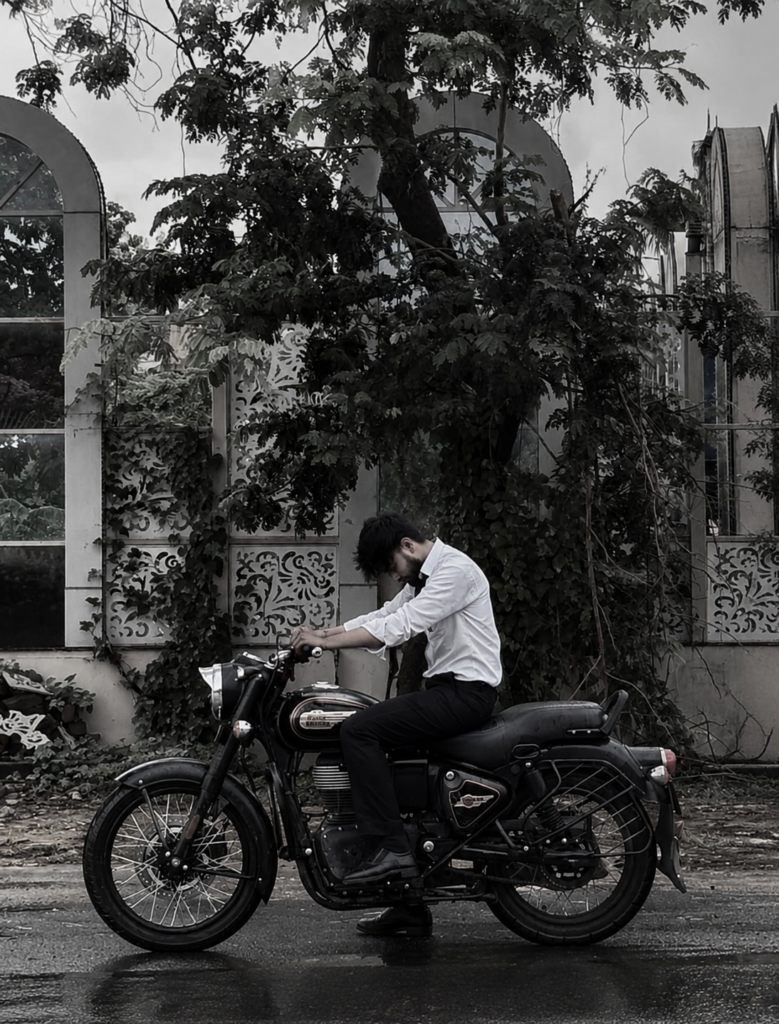
Ultra-realistic cinematic side-profile portrait of a young man sitting on a black Royal Enfield Classic 350 motorcycle parked on a quiet roadside. He is wearing a slightly wrinkled white full-sleeve button-up shirt with sleeves rolled up, black formal trousers, and black shoes. His body leans forward with both hands resting naturally on the handlebars while his head is bowed down, creating a calm, serious, introspective mood. Side view, full-body composition, motorcycle perfectly centered. Behind him is a large old tree covered with dense vines and foliage, in front of an elegant white building featuring tall arched windows, decorative floral wall panels, and climbing plants. Soft overcast daylight, muted desaturated colors, subtle matte grading, realistic shadows, high dynamic range, natural textures, documentary photography style, shallow contrast, clean composition, highly detailed leaves, realistic road surface, premium editorial aesthetic. Shot on Sony A7R V, 85mm lens, f/2.8, ISO 100, 1/500s, ultra-sharp focus, 8K, photorealistic, no motion blur, no text, no watermark.
Negative Prompt:
cartoon, CGI, painting, illustration, anime, low quality, blurry, oversaturated colors, overexposed, distorted anatomy, extra limbs, duplicate motorcycle, bad hands, unrealistic lighting, watermark, logo, text, cropped body, noise, artifacts, low resolution.